
Browser extension
Your CRM, beside the profile.
See who someone is to you, add them in one press and draft your comment, without leaving the page. You send everything yourself.
Version 2.3.0 · 401 KB · for Chrome and Edge on a computer · read this first
Install
Four steps, about two minutes.
The extension is not in the Chrome Web Store yet, so you add it by hand.
- 1
Download and unzip
Download the file, then unzip it. Keep the
kontexy-extensionfolder somewhere you will not delete it. - 2
Turn on Developer mode
Type
chrome://extensionsin the address bar (edge://extensionsin Edge) and switch on Developer mode. - 3
Add the folder
Press Load unpacked and choose the
kontexy-extensionfolder. Pin the arrow icon to your toolbar. - 4
Connect your account
In Kontexy, open Integrations, press Create code, and paste it into the extension’s Settings.
To update later, download again, replace the folder and press reload on the extensions page.
Features
What it does.
-
Your CRM on every profile
Know who you are looking at before you write.
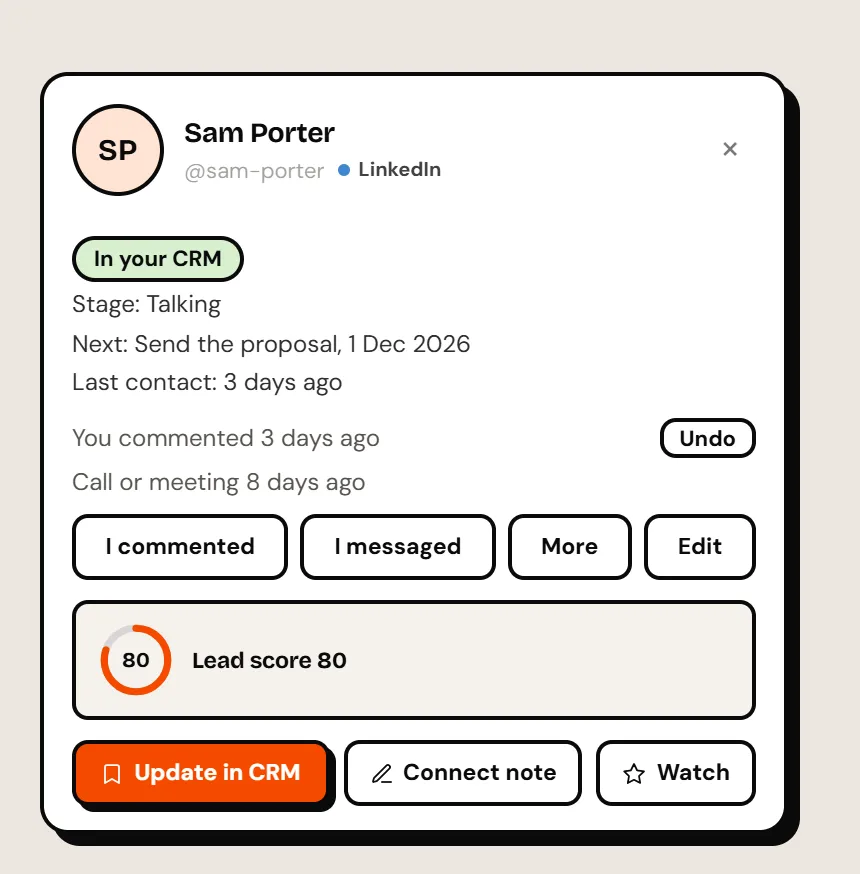
Open a profile and a small card says whether the person is in your Kontexy CRM, with their stage, your next step and when you last spoke.
Sample data -
Add a person with one press
No copying between tabs, and no duplicates.
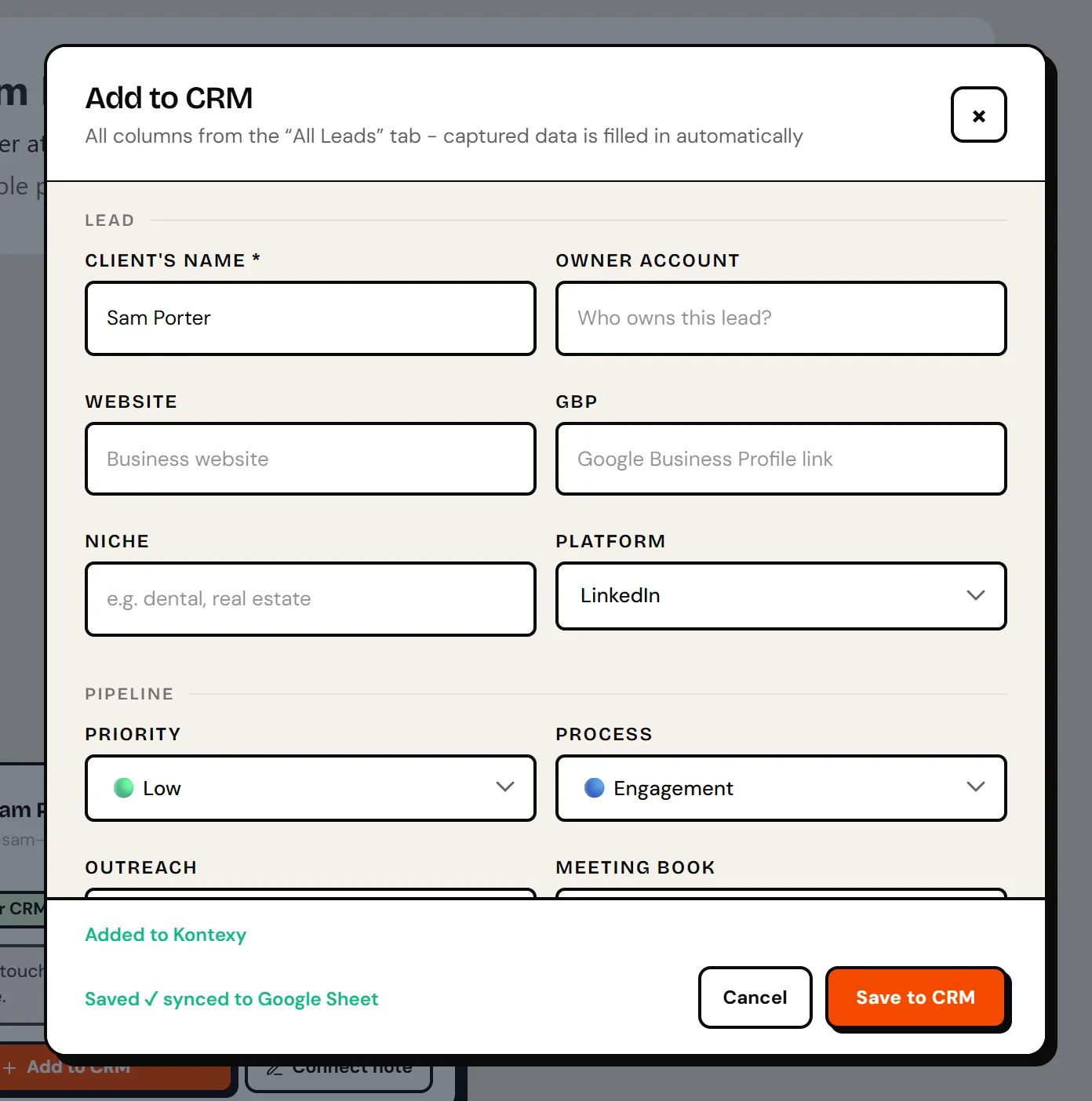
Save the person from the page you are on. People are matched by profile address, only empty details are filled in, and your block list is respected.
Sample data -
Log what you did
Your CRM stays true without extra work.
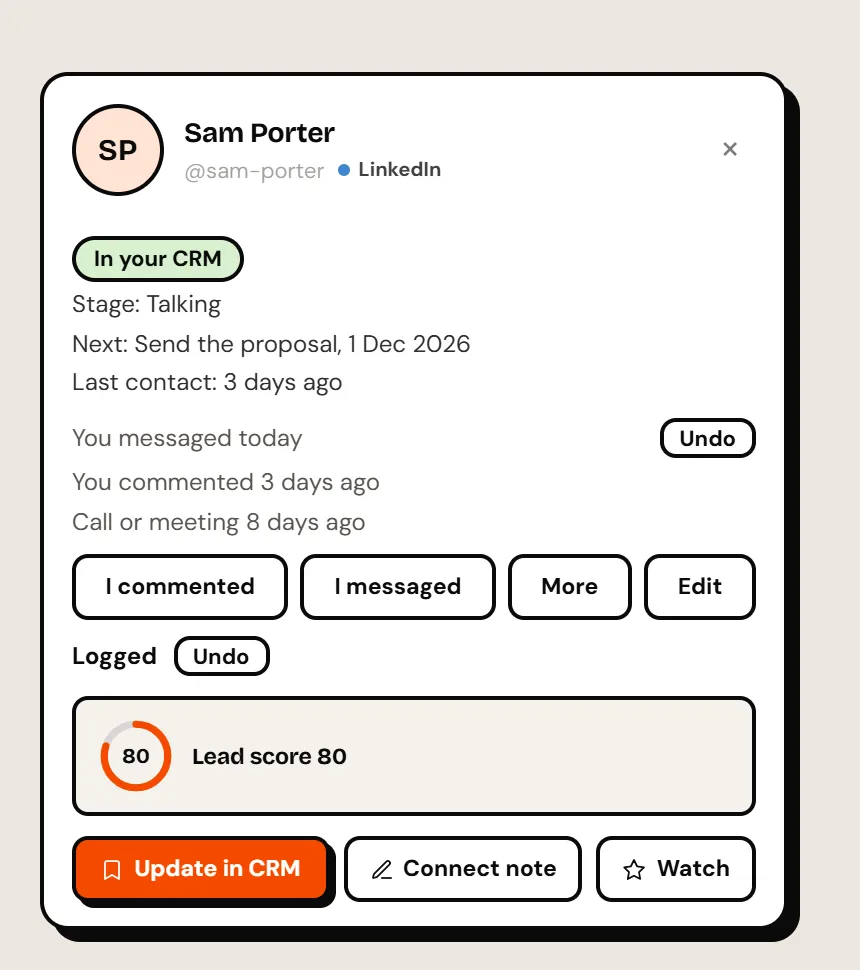
Press I commented or I messaged on the card, or after placing a draft. See your last entries, undo a mistake, and change the stage, next step and tags. Nothing is logged unless you press.
Sample data -
Draft comments you post yourself
Start from a good draft, not a blank box.
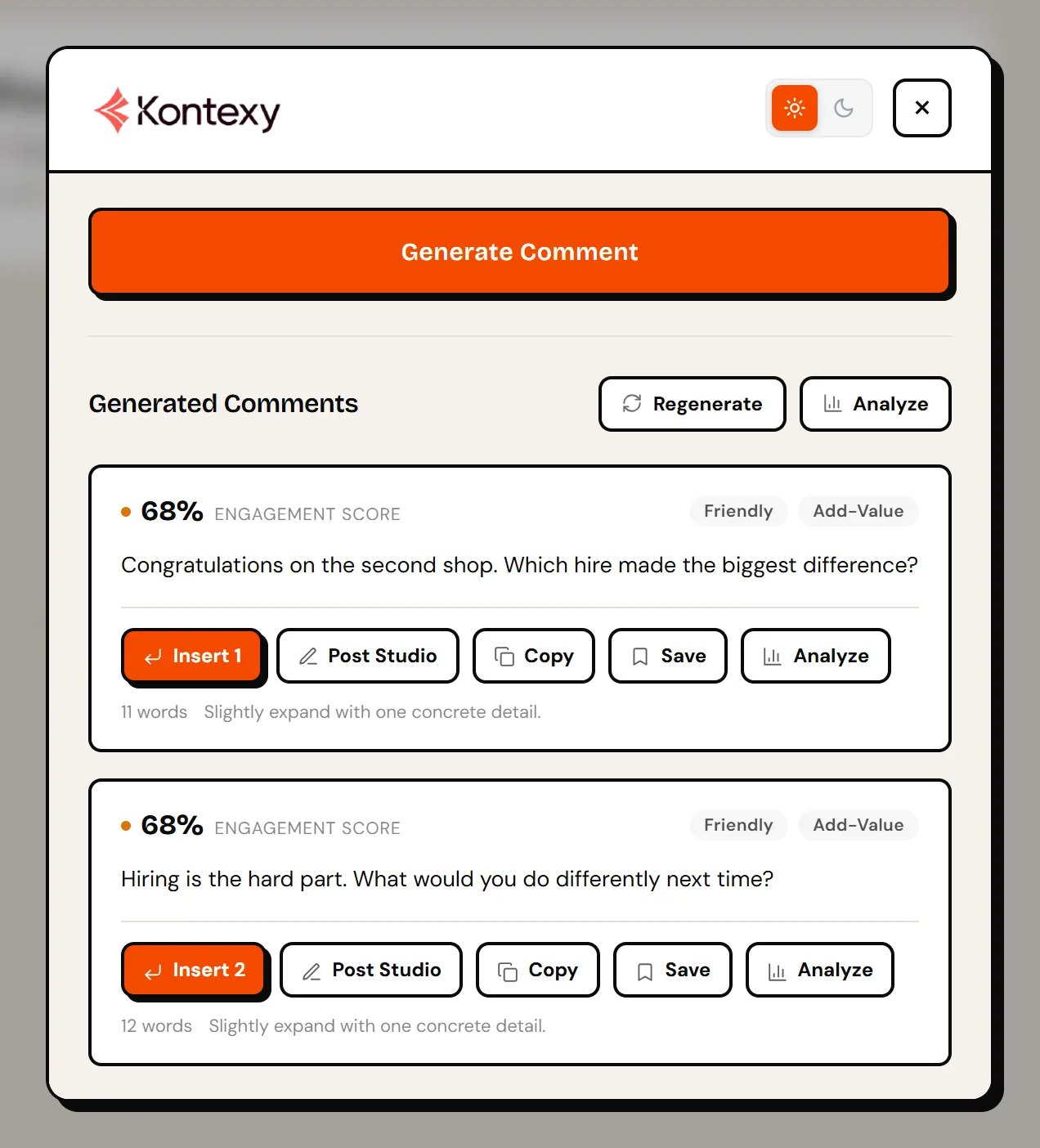
Pick a post and get comment drafts in your tone, with templates for replies and first messages. The extension places the text in the box and you press Post. Drafting uses your own Gemini key.
Sample data -
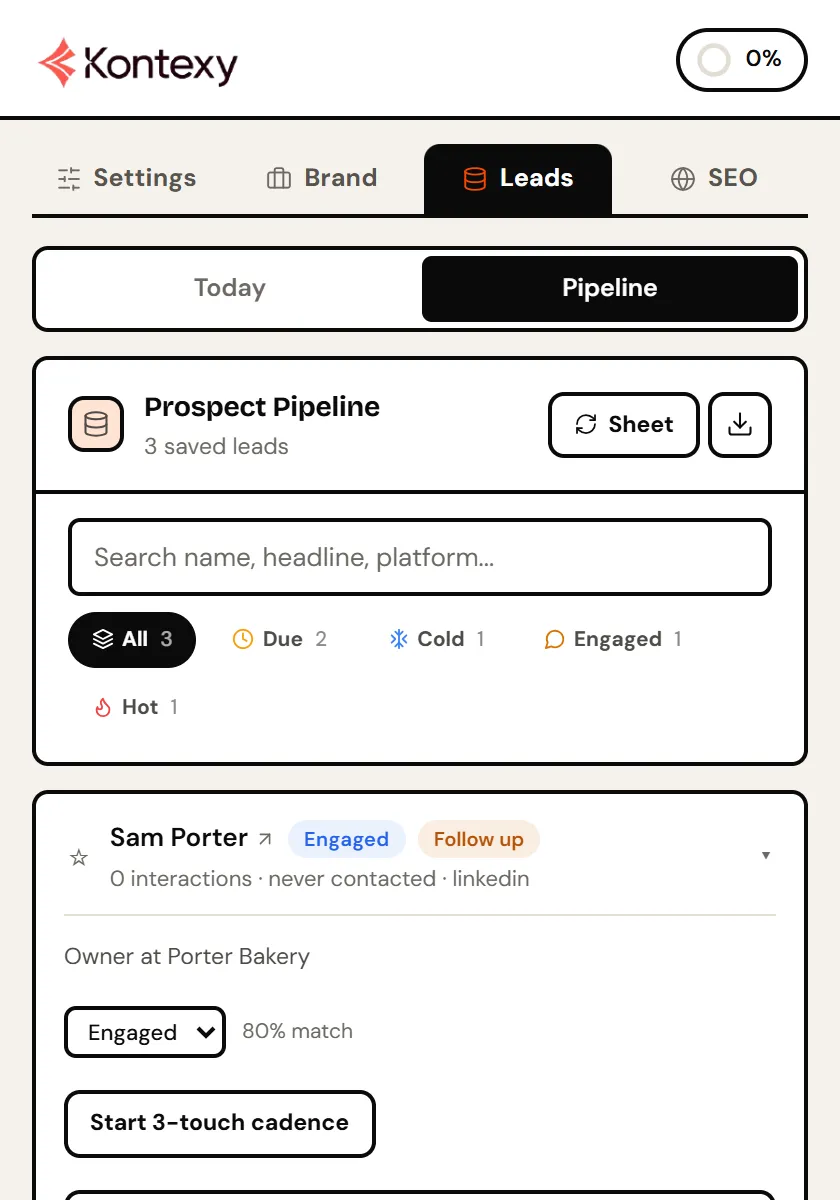
A lead list in your browser
See who needs a follow-up today.
Saved people are grouped as cold, engaged or hot, with follow-ups that are due, a watchlist and gentle reminders.
Sample data -
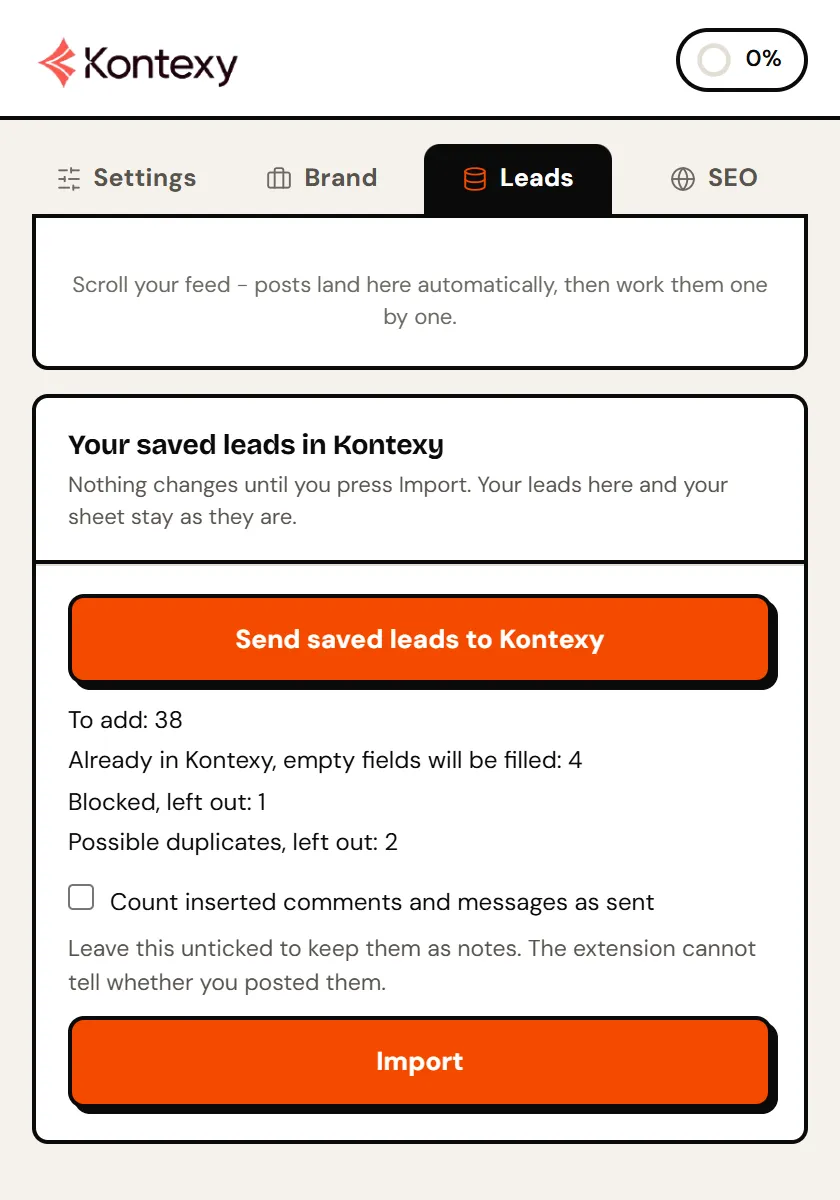
Bring your saved leads across
Move to Kontexy without losing your work.
Preview what will be added, updated or left out before anything changes. Running it again adds nothing twice.
Sample data -
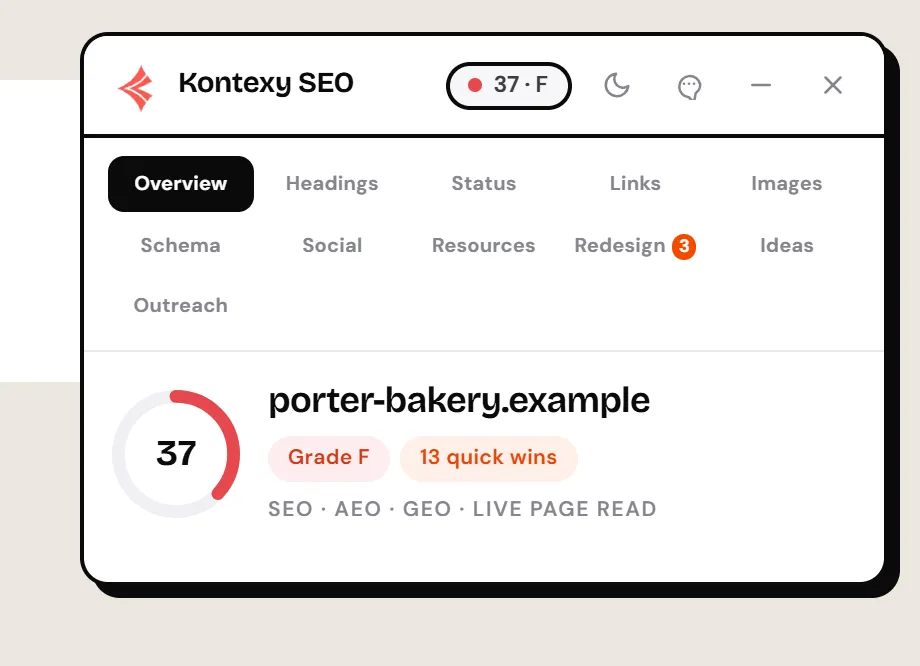
Check a prospect’s website
Open with something useful about their business.
Score a website for search and see quick wins, then keep the findings with the lead.
Sample data -
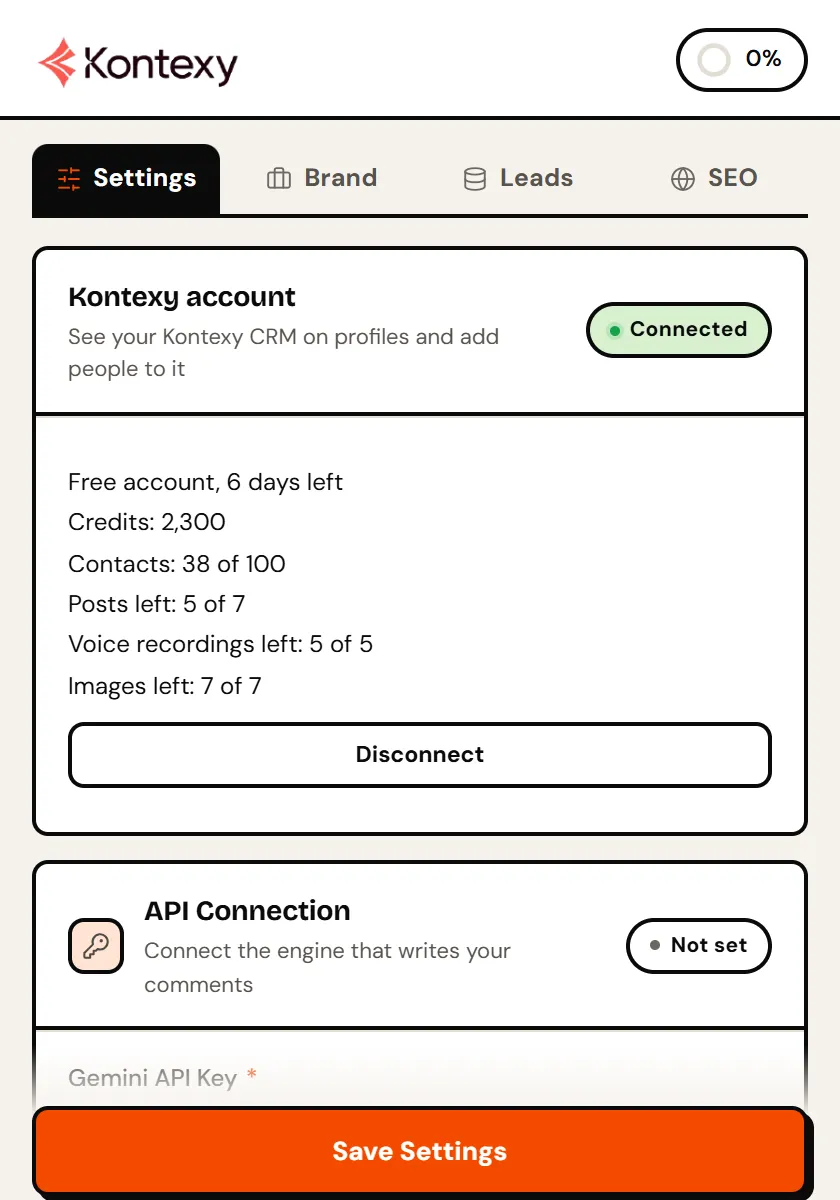
Connect in a minute
Your account and limits, the same as in the app.
Create a one-time code in Kontexy, paste it into the extension and you are connected. Switch it off from either side at any time. No password is typed into the extension.
Sample data
Also included: connection note drafts, an optional copy of your leads in your own Google Sheet, and a light or dark look.
What it never does
You stay in charge.
- Press Post, Send or Connect for you
- Send messages or connection requests
- Visit profiles or scroll pages for you
- Ask for your LinkedIn password
Read this first
LinkedIn’s rules: LinkedIn does not allow extensions that read or change its pages, even ones that send nothing for you. Using this on LinkedIn carries a risk to your account. No tool can promise otherwise.
Drafting: comment and message drafts use your own Gemini key from Google, entered in the extension.
Free account: your CRM holds up to 100 contacts. Saving people who are already there needs no extra place.
Your data: see what is stored and sent on the privacy page.
Your next post, your way.
Create a free account. No card. Your first 7 days include the writing, design and follow-up tools, within limits. After 7 days, AI features pause. Your data stays.