
Features · Publish
Give every post a time slot.
Drafts scattered across notes get forgotten, and posting by hand means being at your desk.
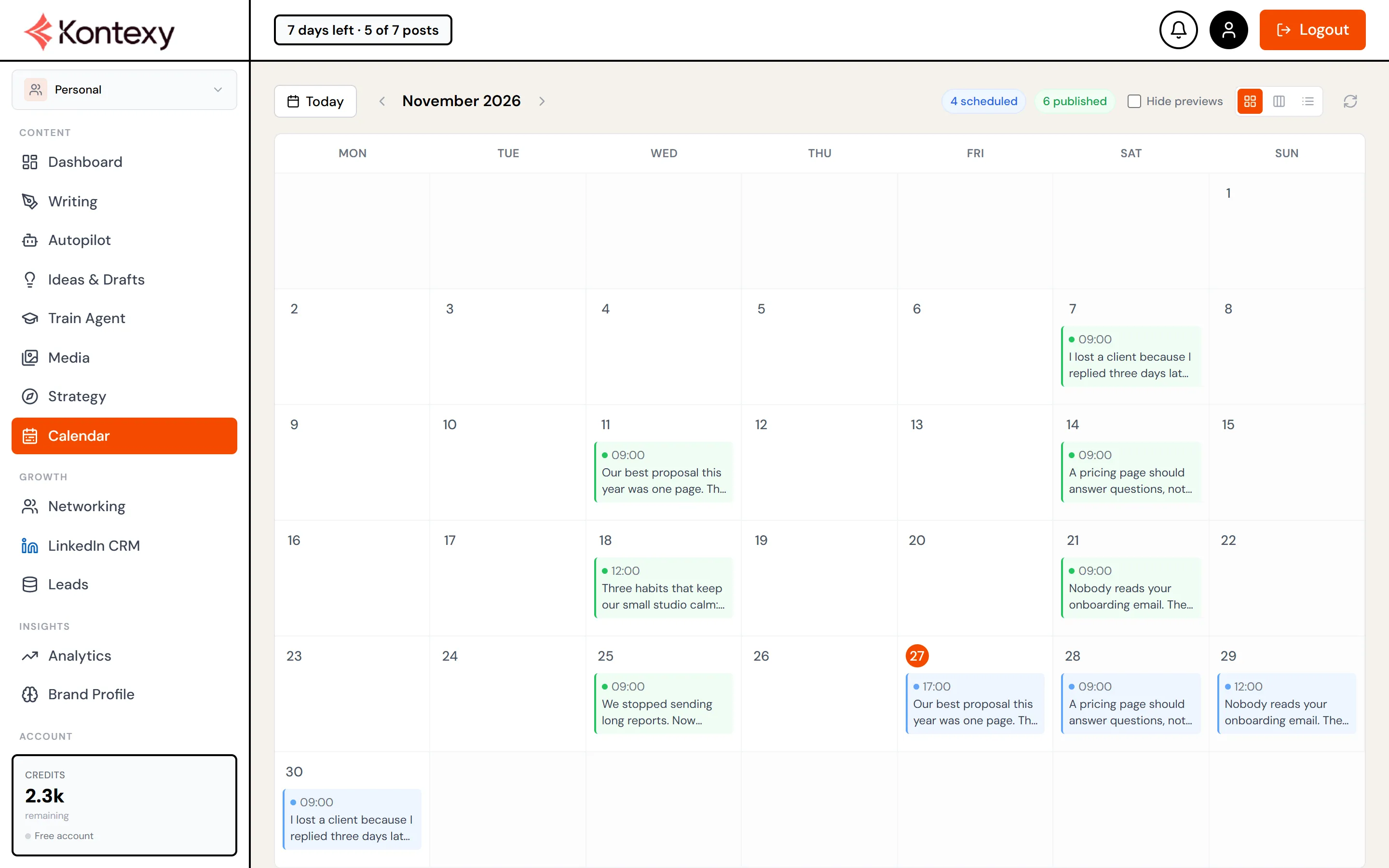
Calendar
How you do it.
-
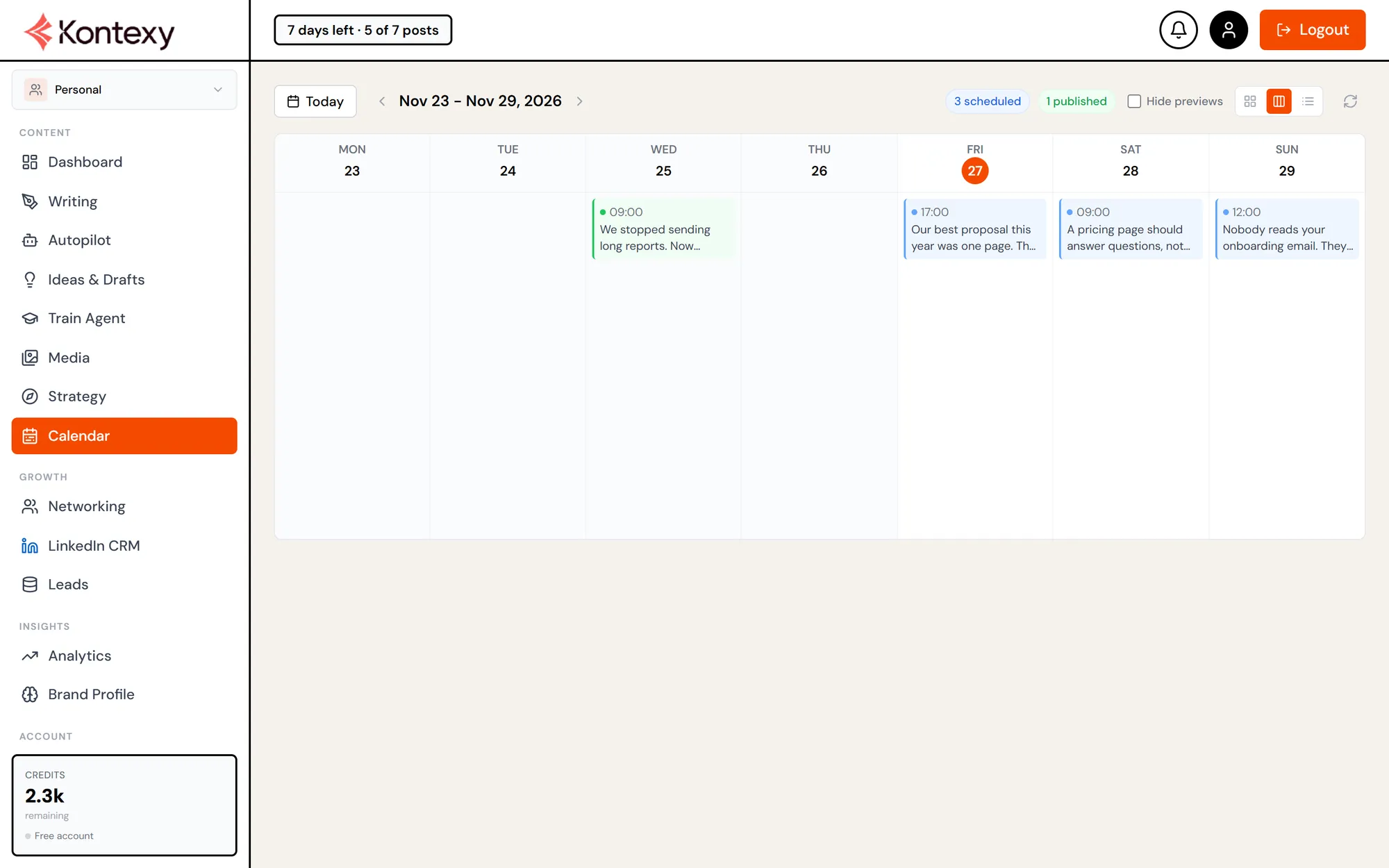
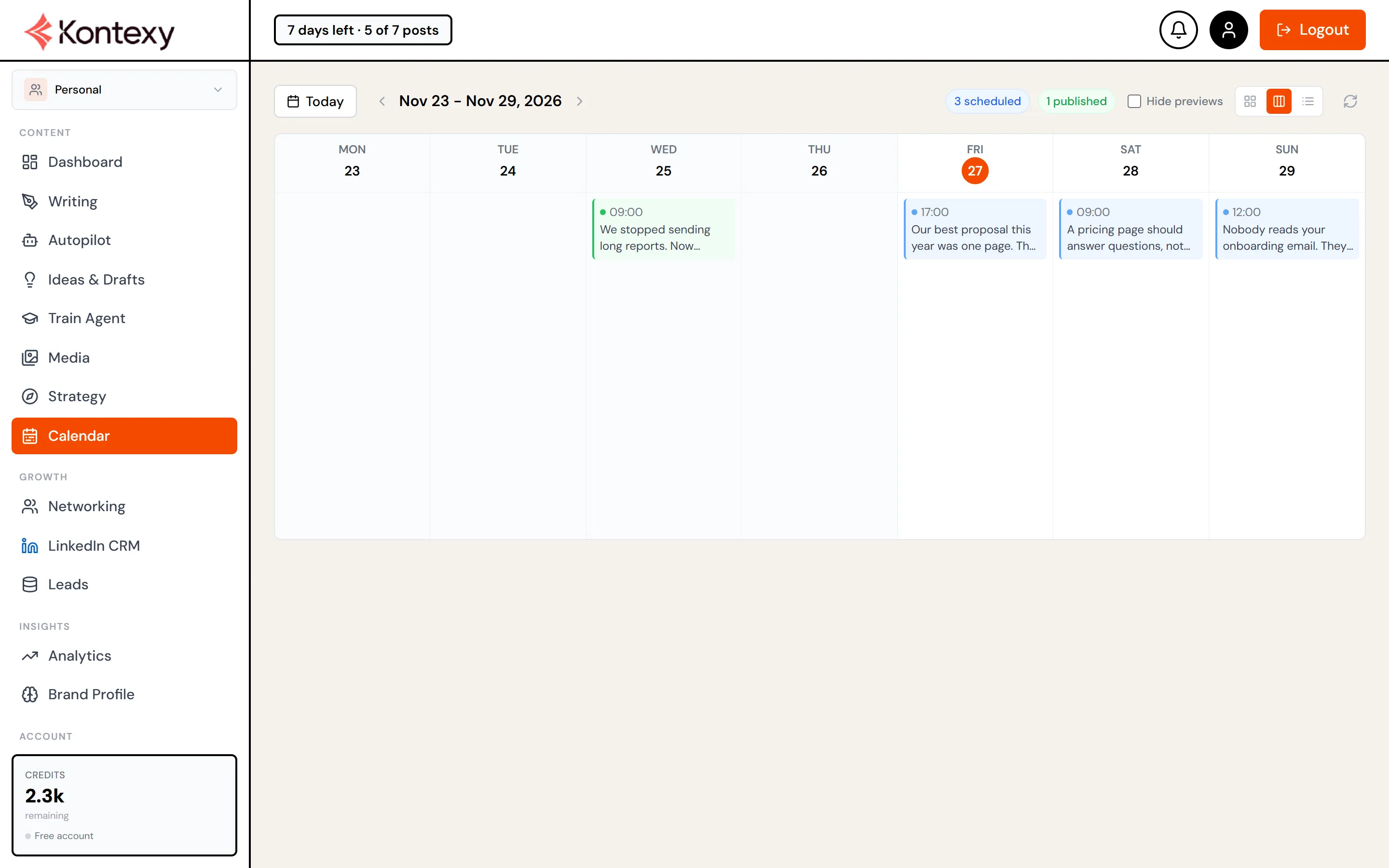
Place posts
Schedule from Writing, or drag a post to a new day.
Sample data -
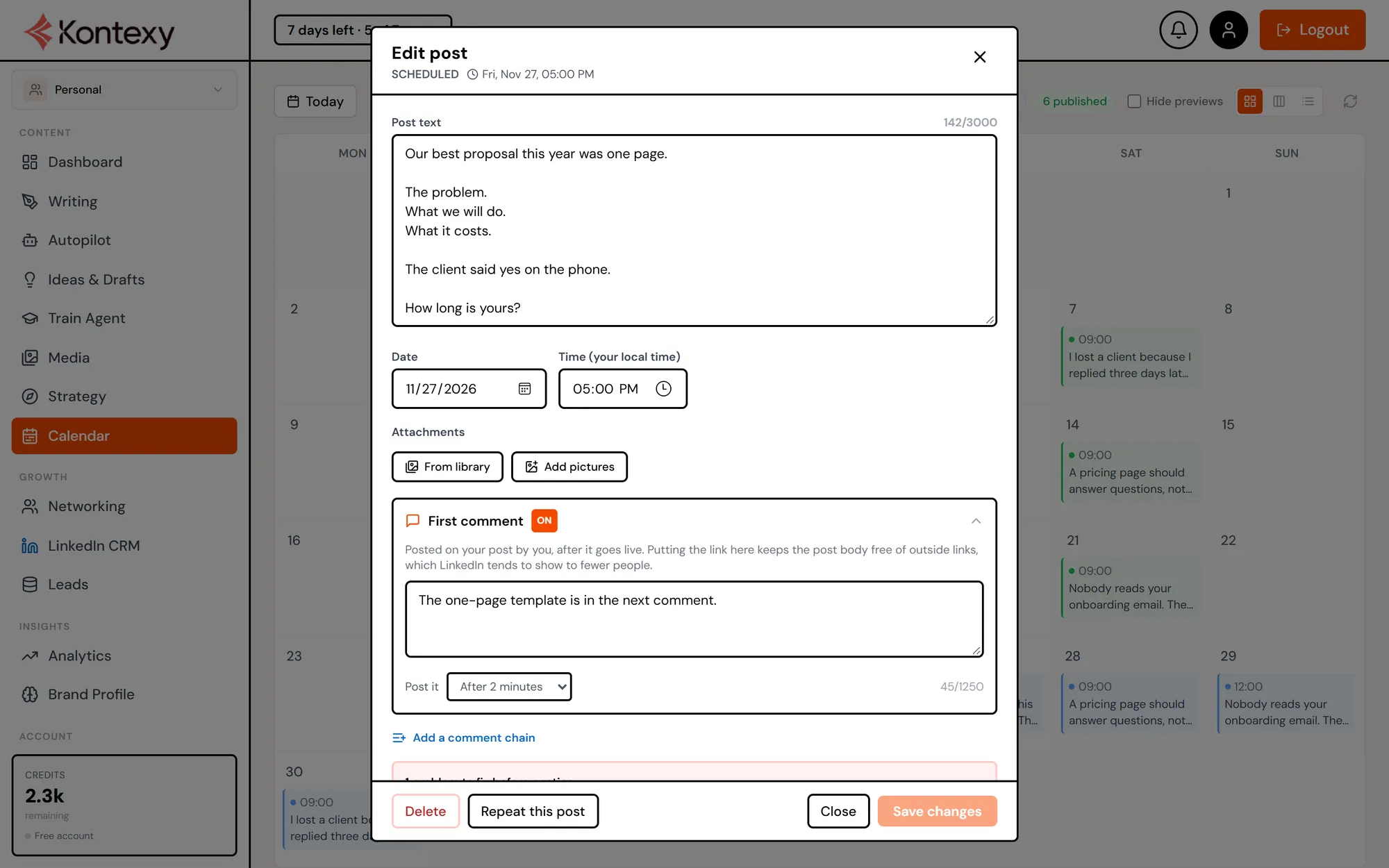
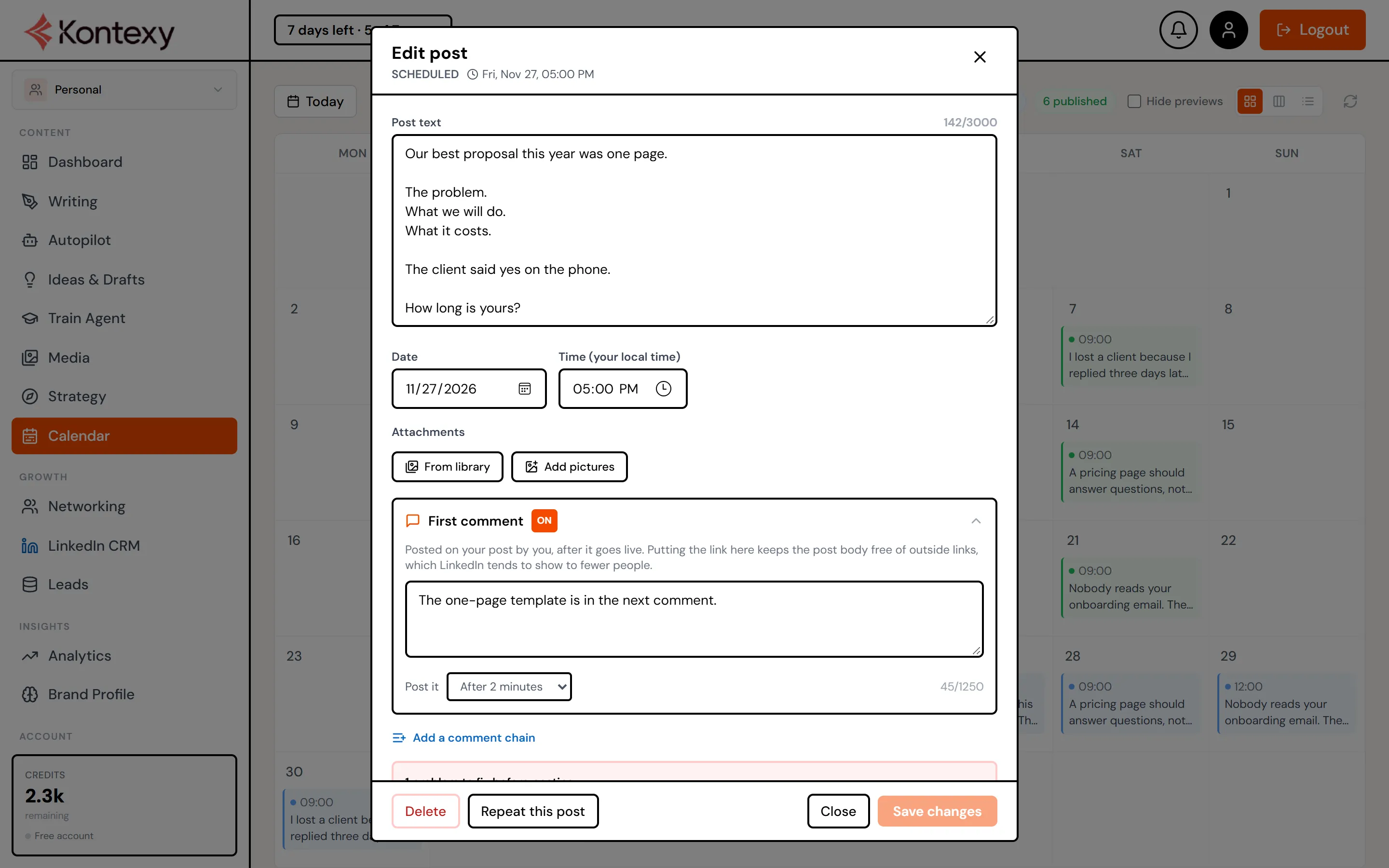
Edit before it goes
Change the text, pictures or first comment up to the moment it publishes.
Sample data -
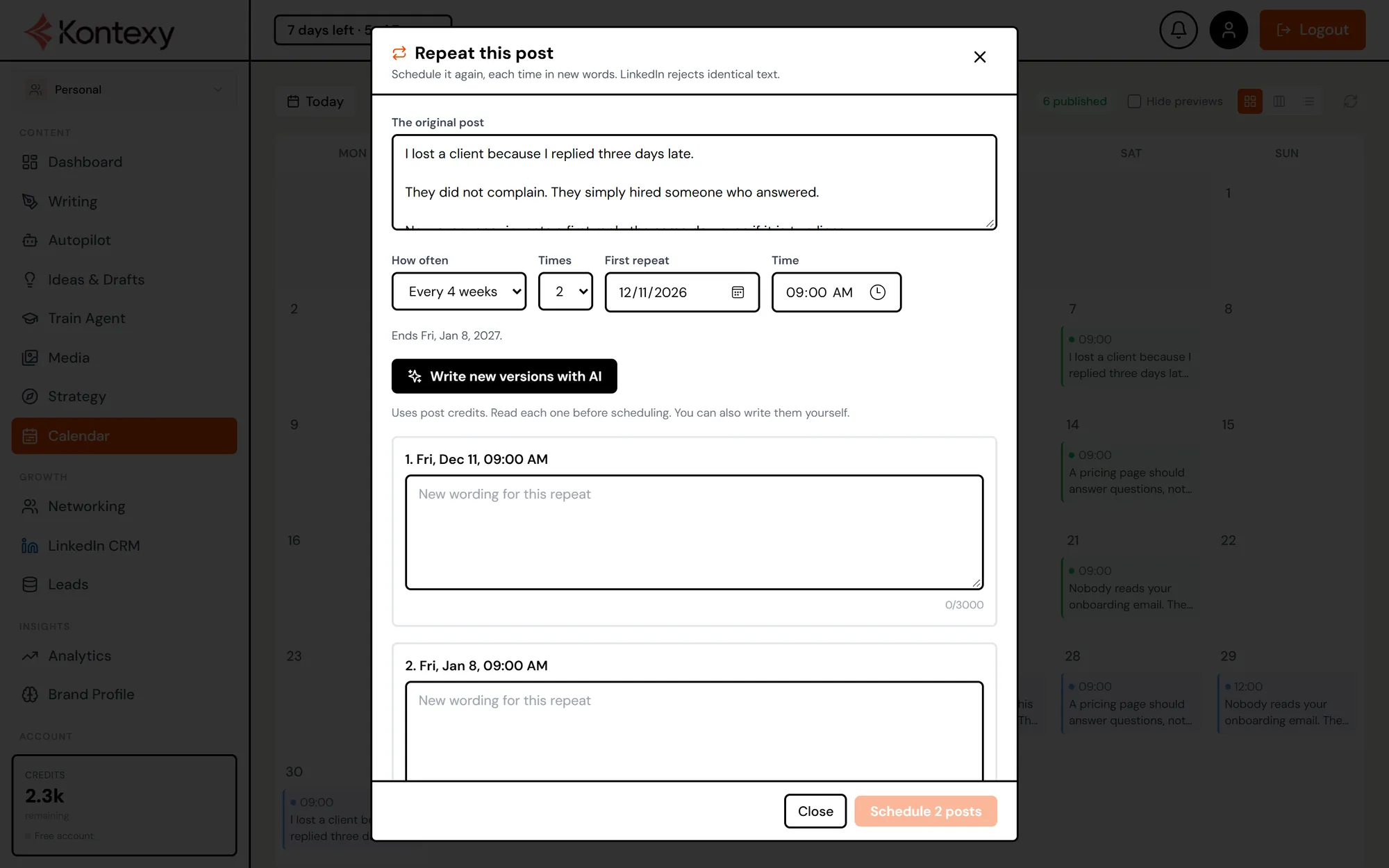
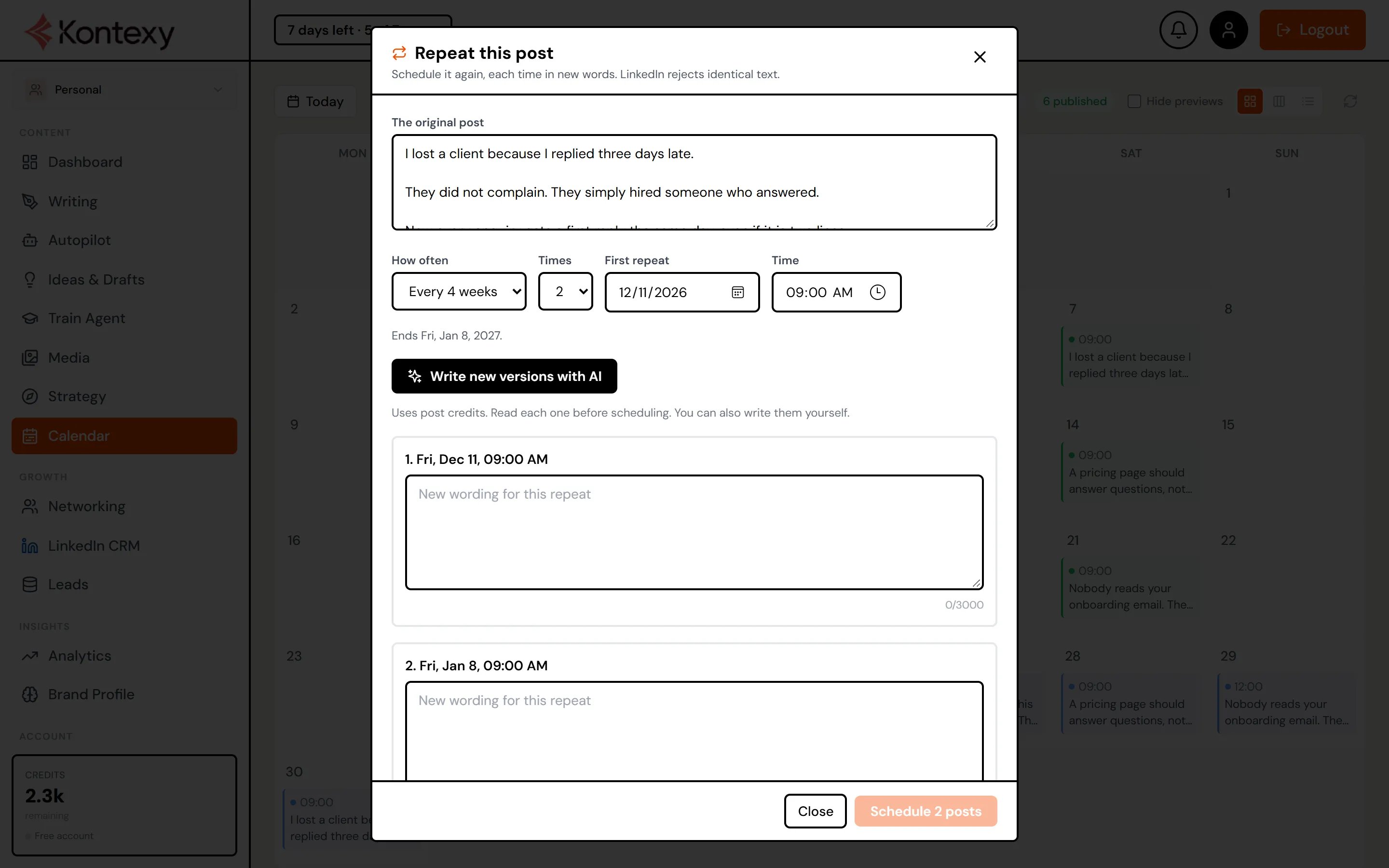
Repeat what worked
Schedule an earlier post again, in new words.
Sample data
For example
Say you will be travelling next week. You schedule three posts on Friday, move one when plans change, and they publish on their days.
- Your week at a glance.
- Publishing through LinkedIn’s official connection.
- Checks run again before a post goes out.
In your free account
What the first 7 days include.
Included
- Scheduling and publishing to your LinkedIn profile
- First comment on a post
Good to know
- Company pages and other networks
After 7 days, AI features pause. Your data stays.
Goes well with.
Your next post, your way.
Create a free account. No card. Your first 7 days include the writing, design and follow-up tools, within limits. After 7 days, AI features pause. Your data stays.