
Features · Relationships
A personal voice note, sent by your own hand.
Typed messages blur together, and recording each note from scratch takes a long time.
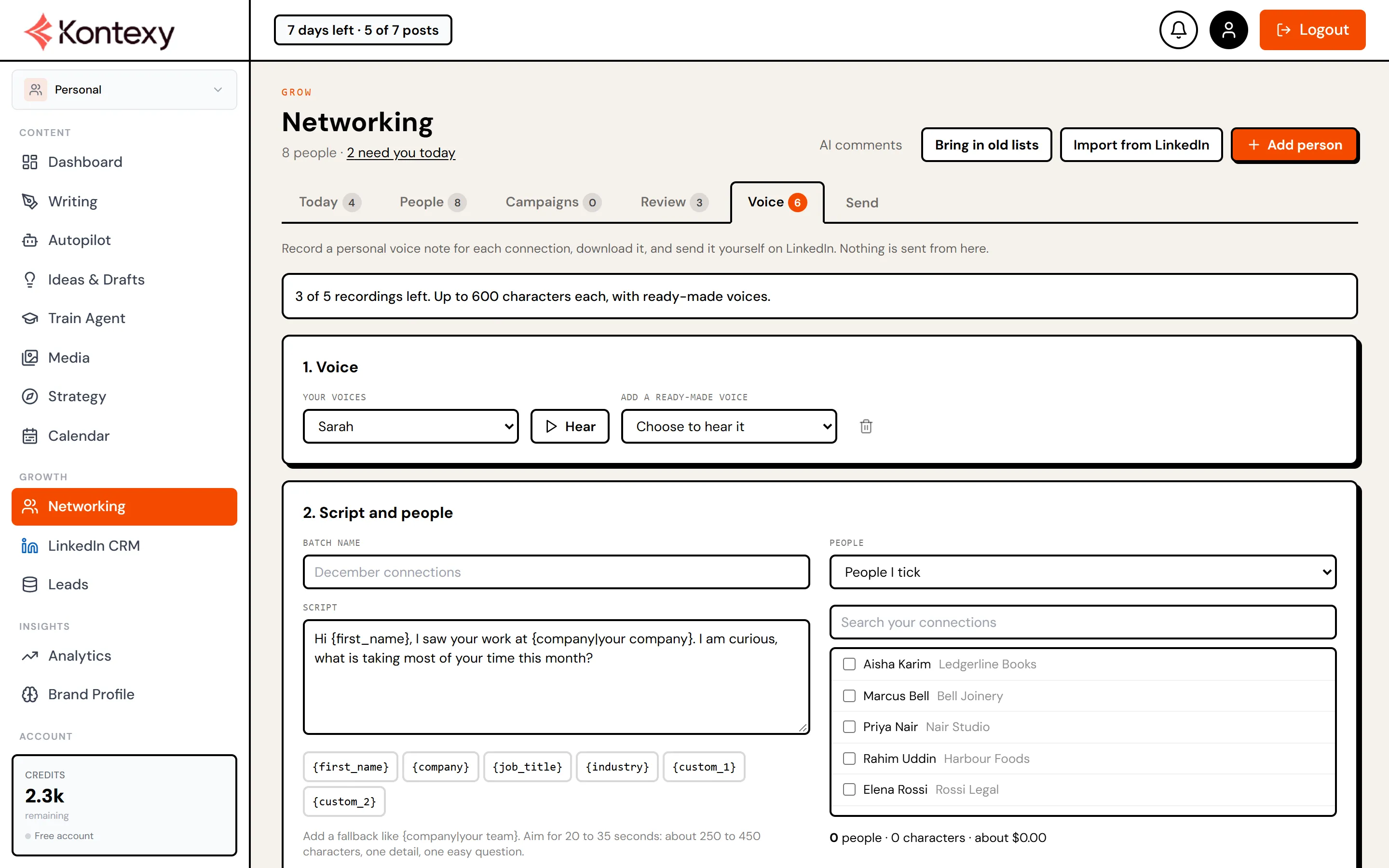
Voice notes
How you do it.
-
Choose a voice
Pick a ready-made voice and listen to its sample first.
Sample data -
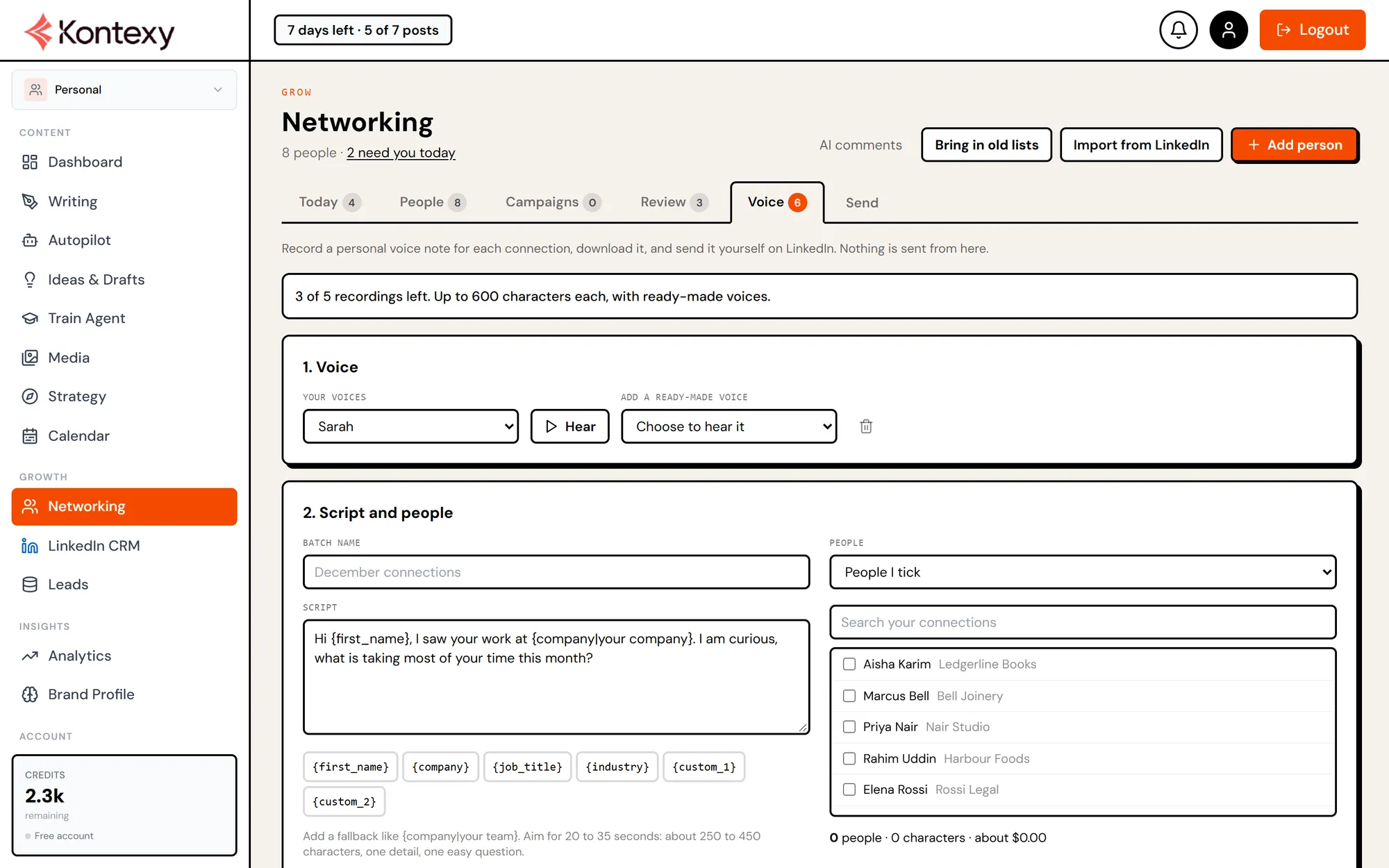
Write one script
Use a name placeholder so each connection hears their own name.
Sample data -
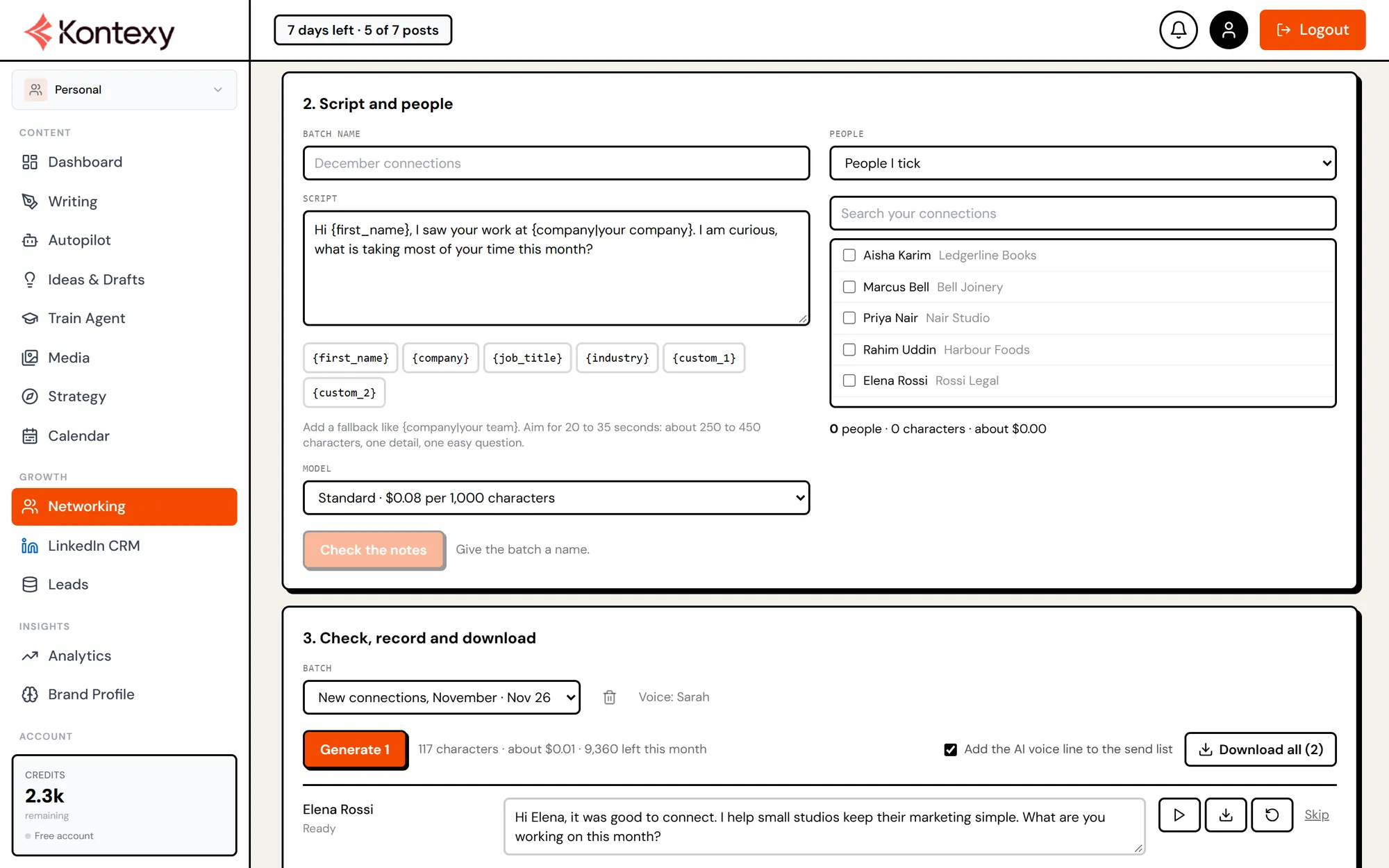
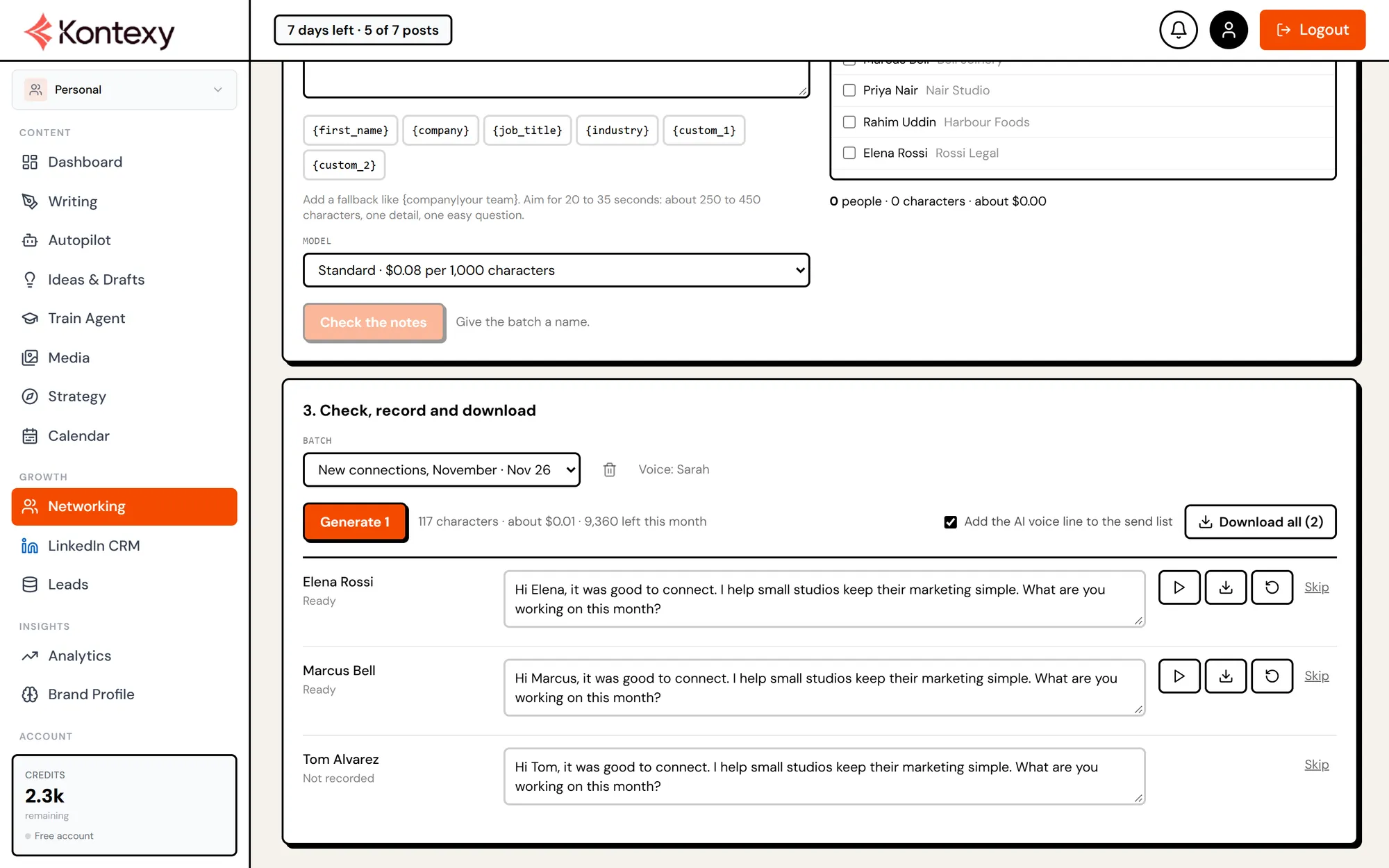
Record, download, send
Record each note, download it, and send it yourself on LinkedIn.
Sample data
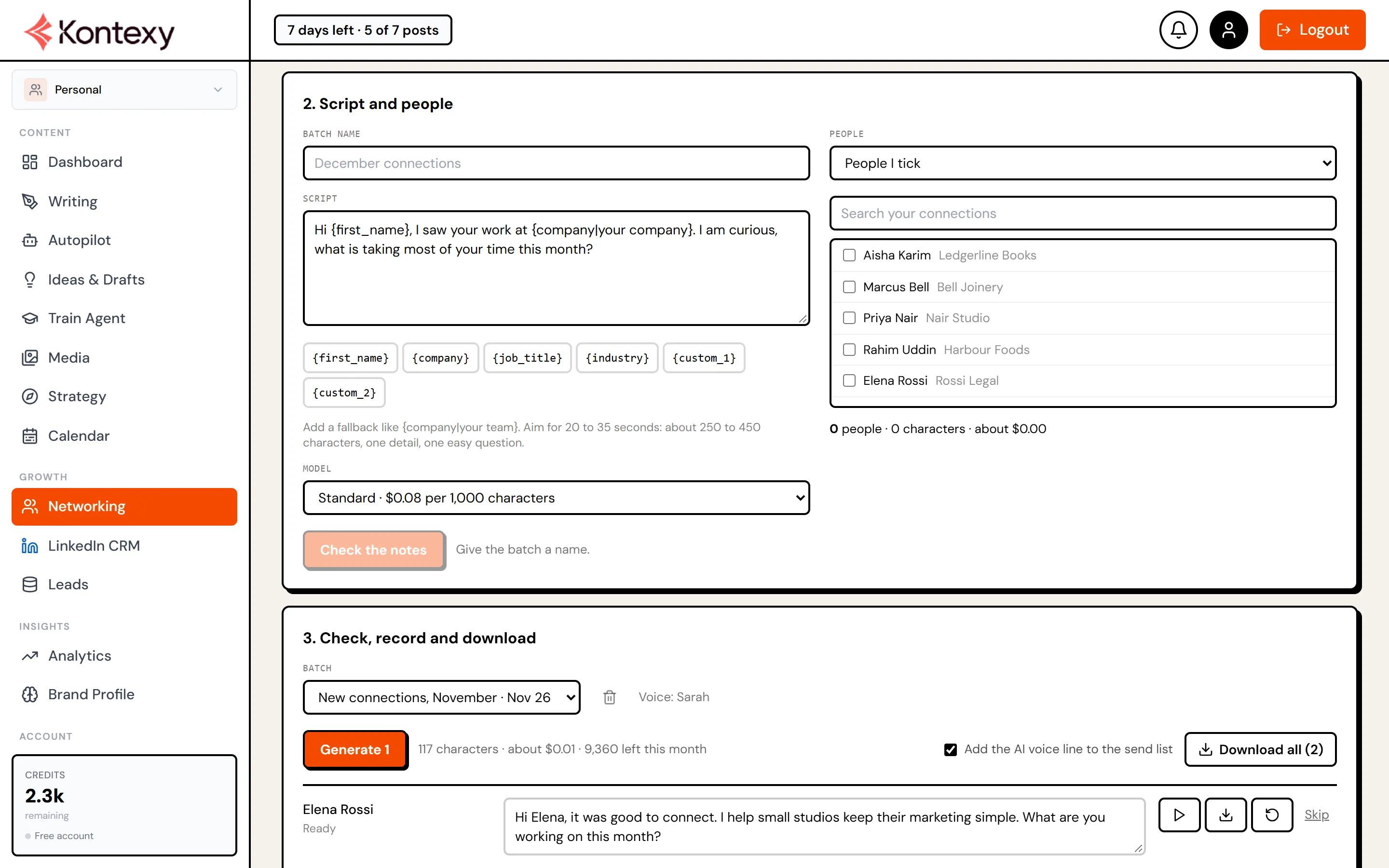
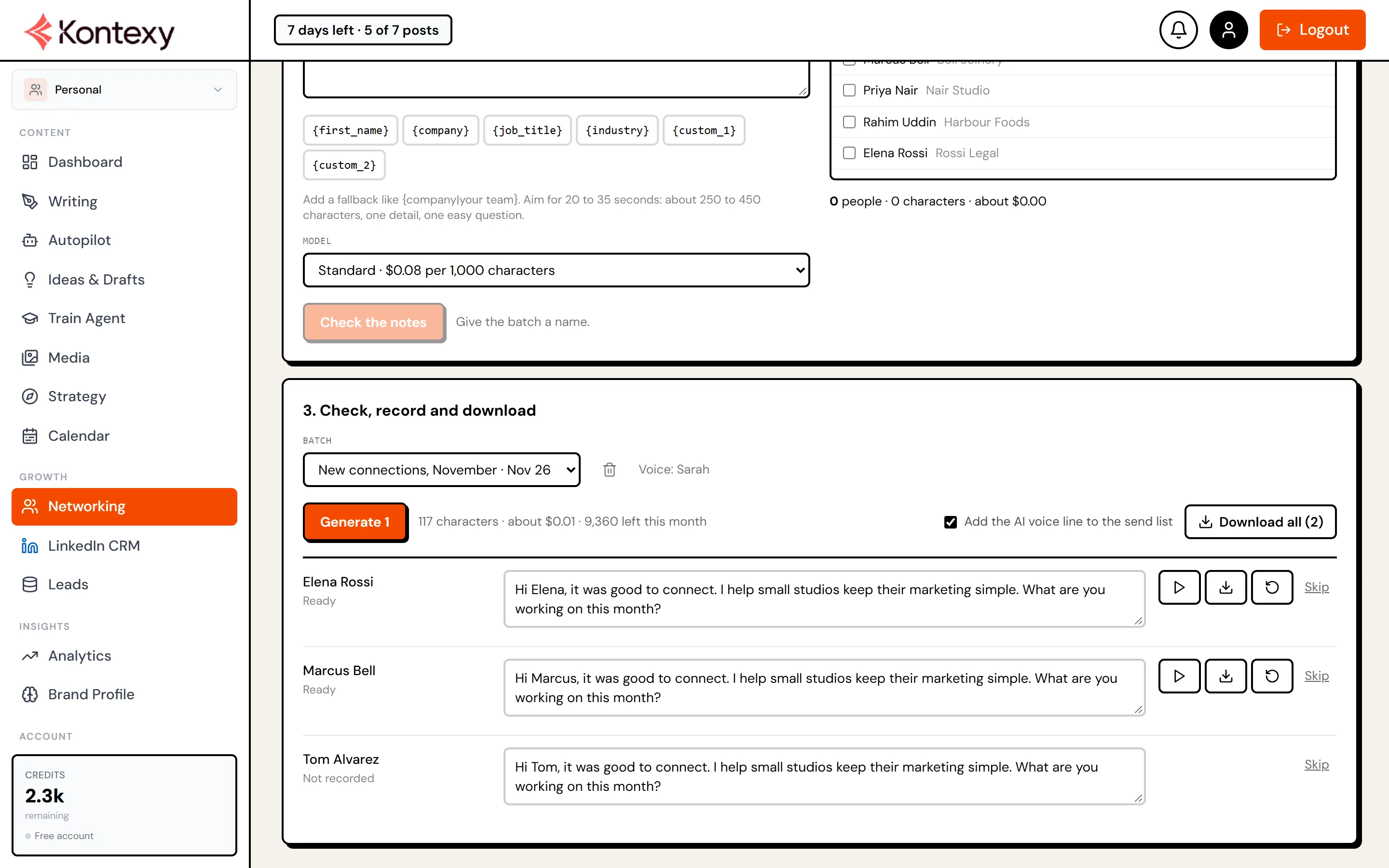
For example
Say you met five people at an event and are now connected. You write one warm script, record five notes with their names, and send each from your phone.
- Messages that feel personal.
- One script, several names.
- You choose when each note is sent.
In your free account
What the first 7 days include.
Included
- 5 recordings, up to 600 characters each
- Ready-made voices
Good to know
- Voice cloning
- Sending from Kontexy: LinkedIn voice messages go to your connections, from your own app
After 7 days, AI features pause. Your data stays.
Goes well with.
Your next post, your way.
Create a free account. No card. Your first 7 days include the writing, design and follow-up tools, within limits. After 7 days, AI features pause. Your data stays.