
Features · Relationships
A good reason to say hello.
People change jobs and you find out months later.
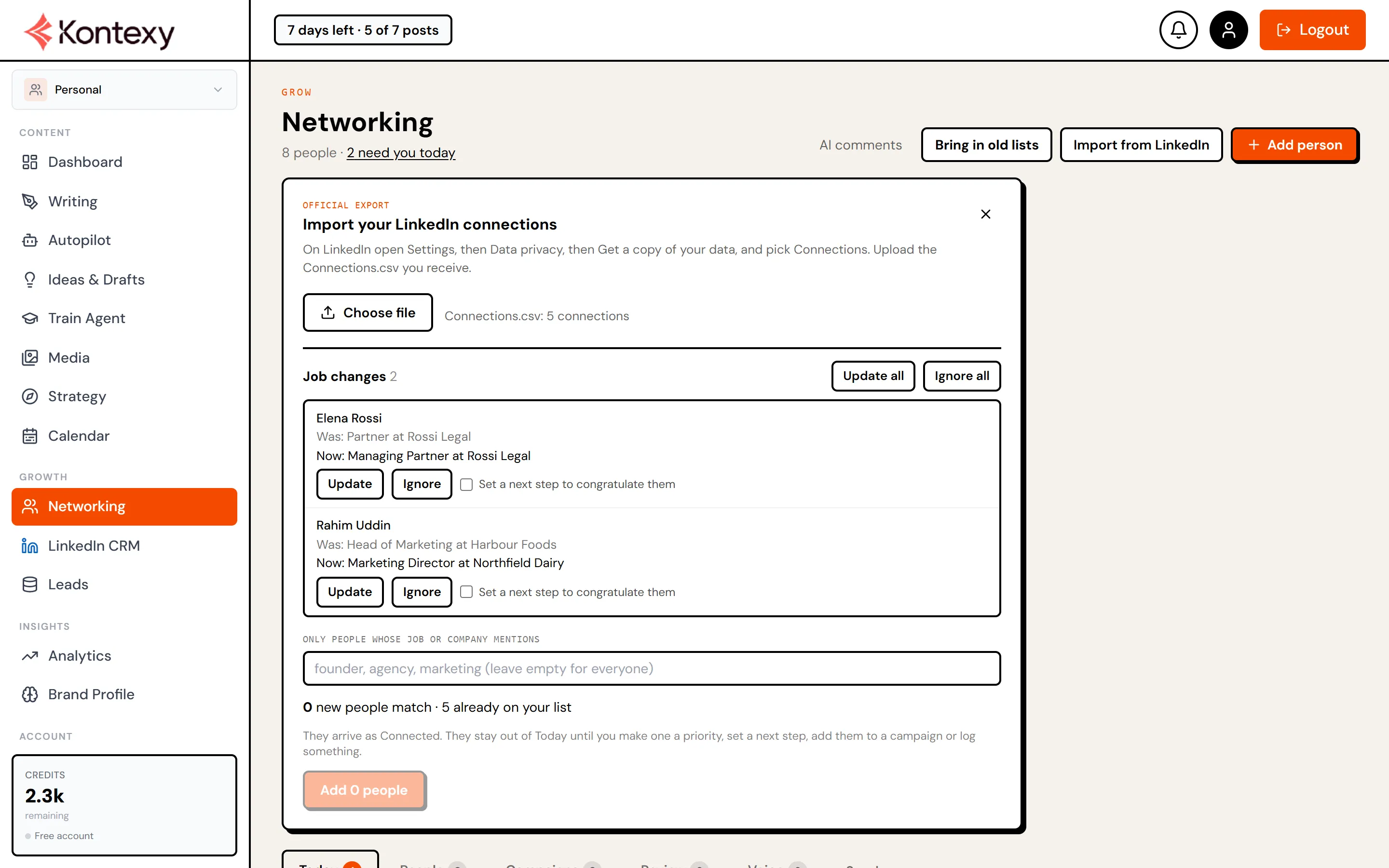
Job change alerts
How you do it.
-
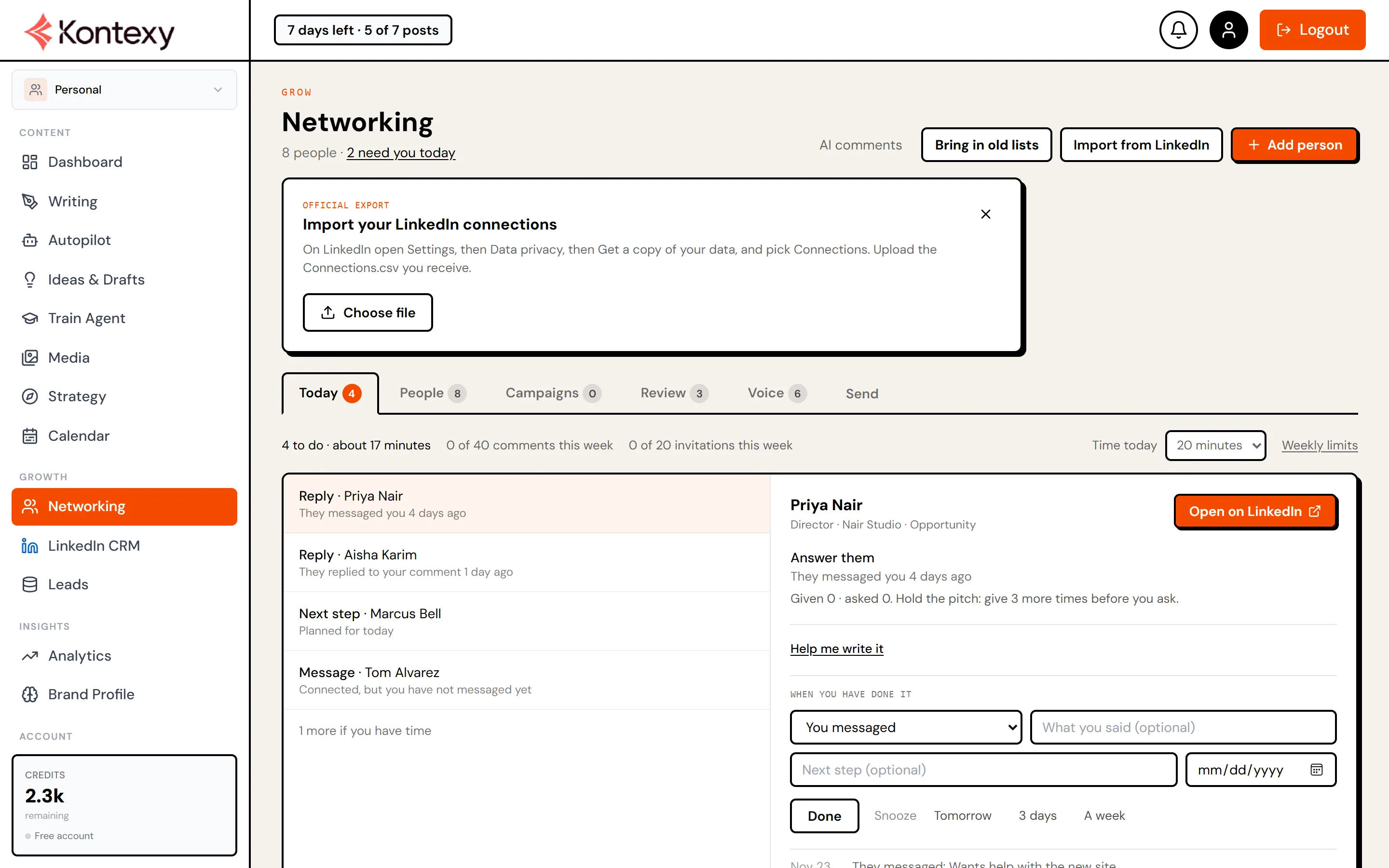
Download your connections
LinkedIn lets you export your own connections as a file.
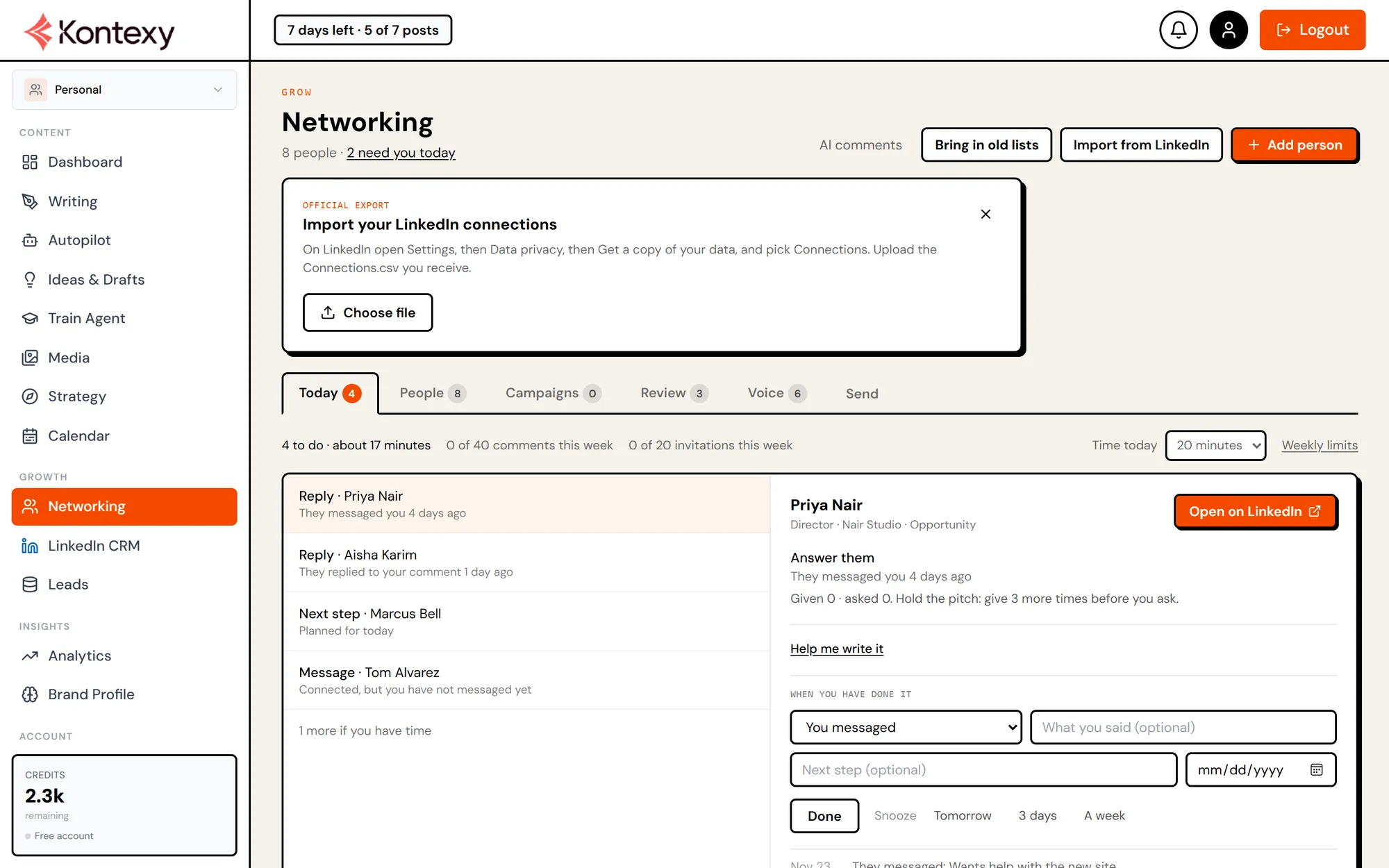
Sample data -
Upload it again later
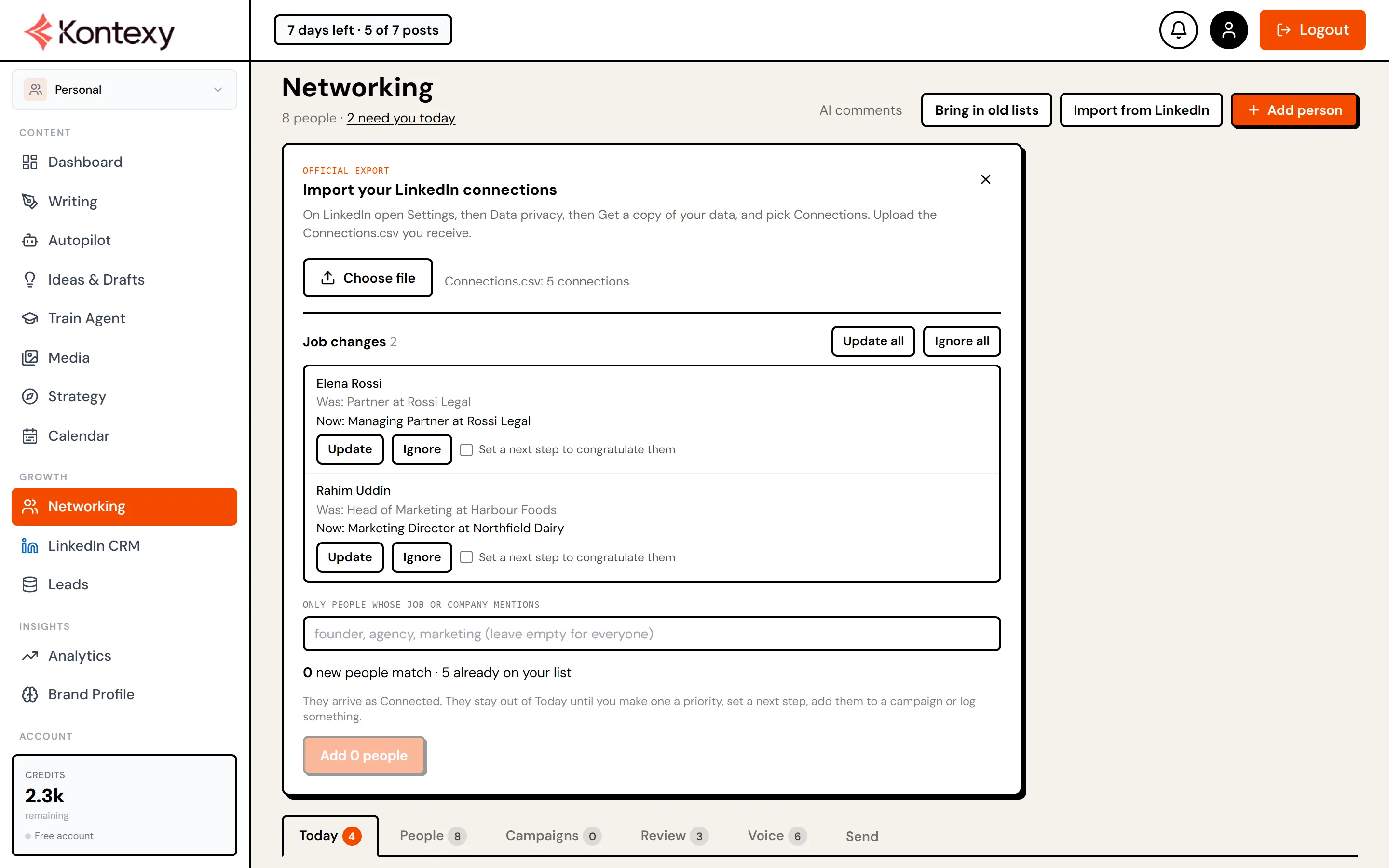
Kontexy compares it with what you uploaded before.
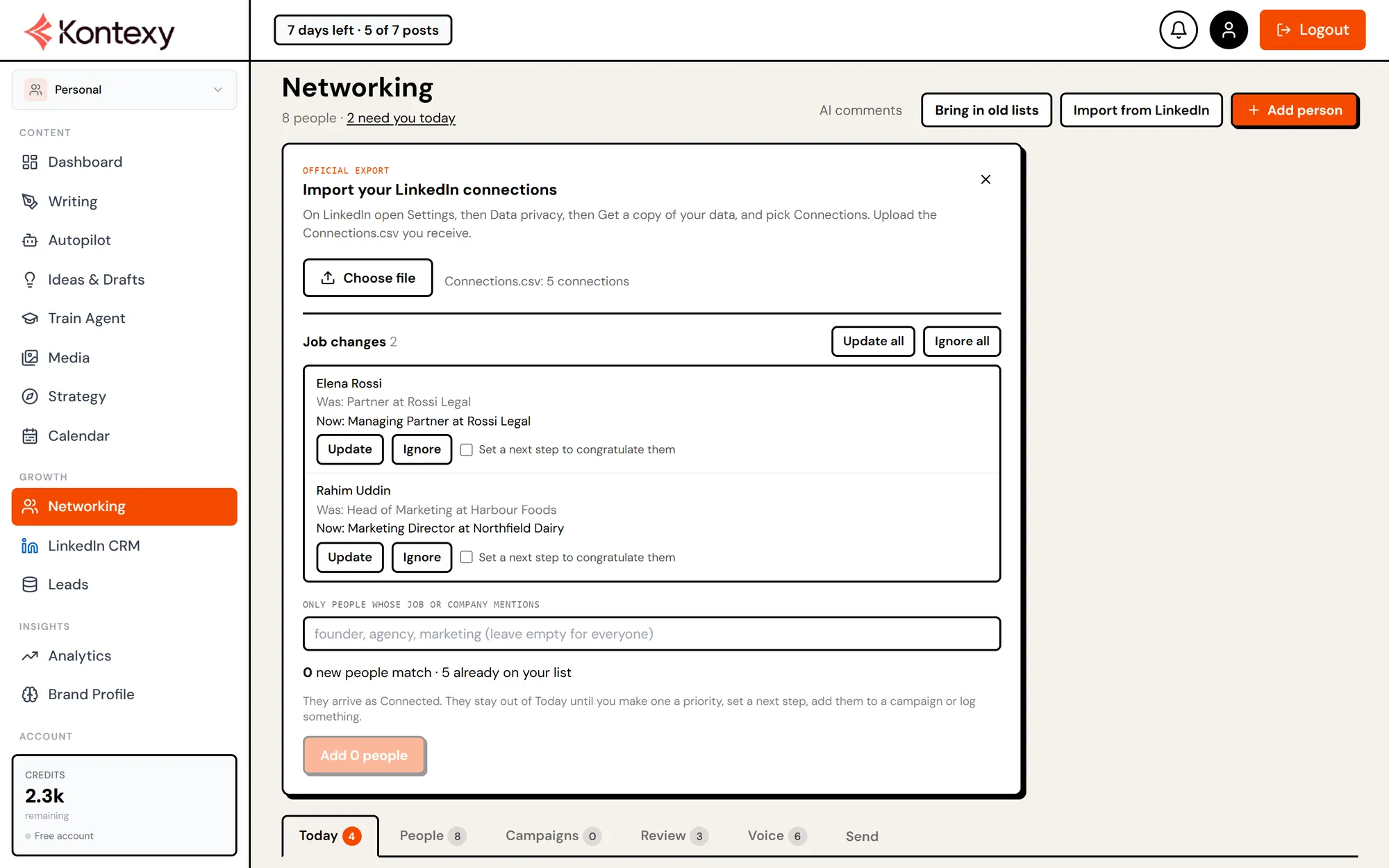
Sample data -
Reach out
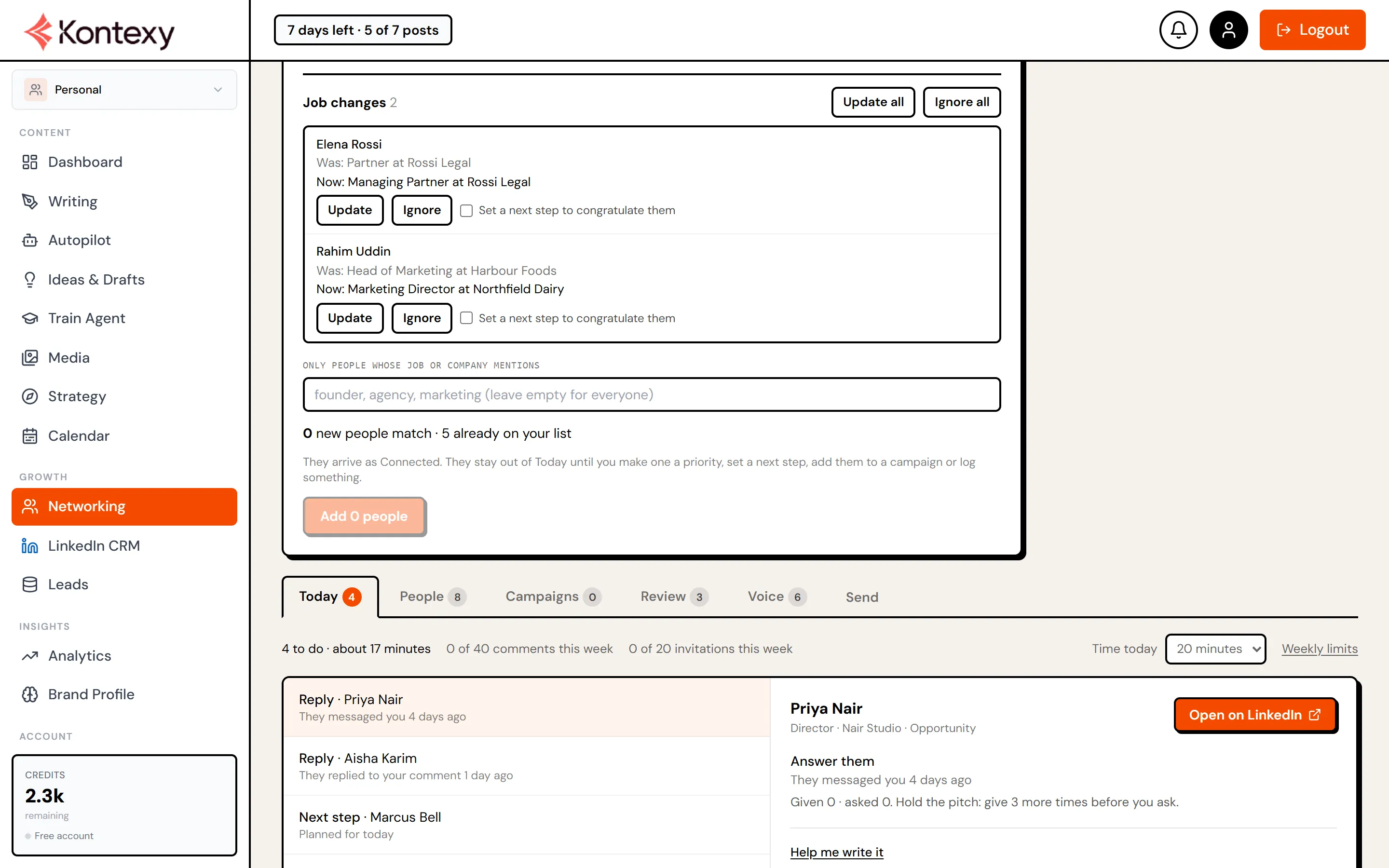
See the old role beside the new one, set a next step to congratulate them, and send your note yourself.
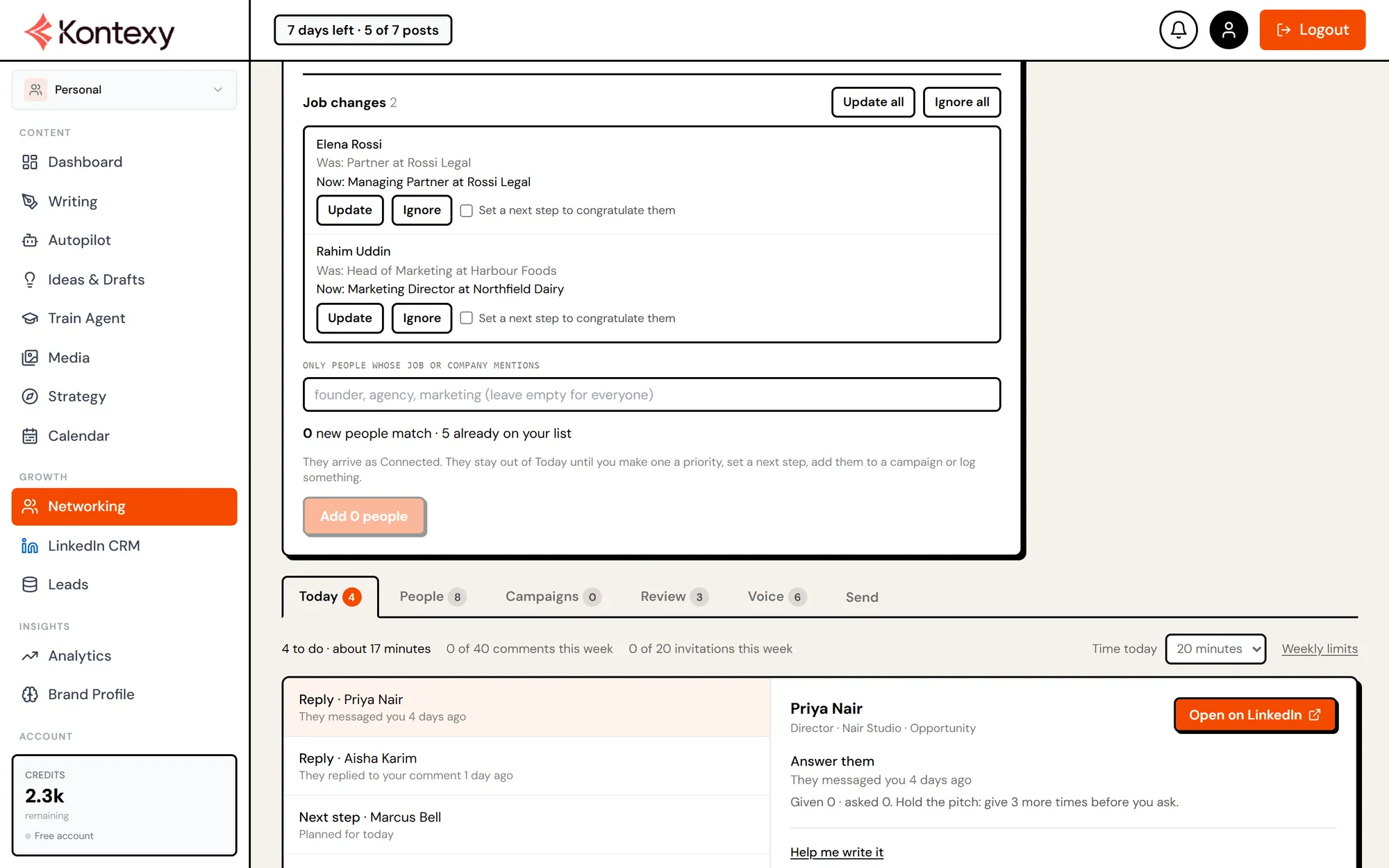
Sample data
For example
Say a former client becomes head of marketing somewhere new. Your next upload shows it, and you send your congratulations.
- Timely reasons to reconnect.
- Uses only your own exported file.
- No browsing of LinkedIn on your behalf.
In your free account
What the first 7 days include.
Included
- Comparing your uploads, within your 100 contacts
Good to know
- Live monitoring: changes appear when you upload a new file
After 7 days, AI features pause. Your data stays.
Goes well with.
Your next post, your way.
Create a free account. No card. Your first 7 days include the writing, design and follow-up tools, within limits. After 7 days, AI features pause. Your data stays.