
Features · Relationships
Work through your messages one by one.
Switching between a list and a profile loses your place, and it is easy to message someone twice.
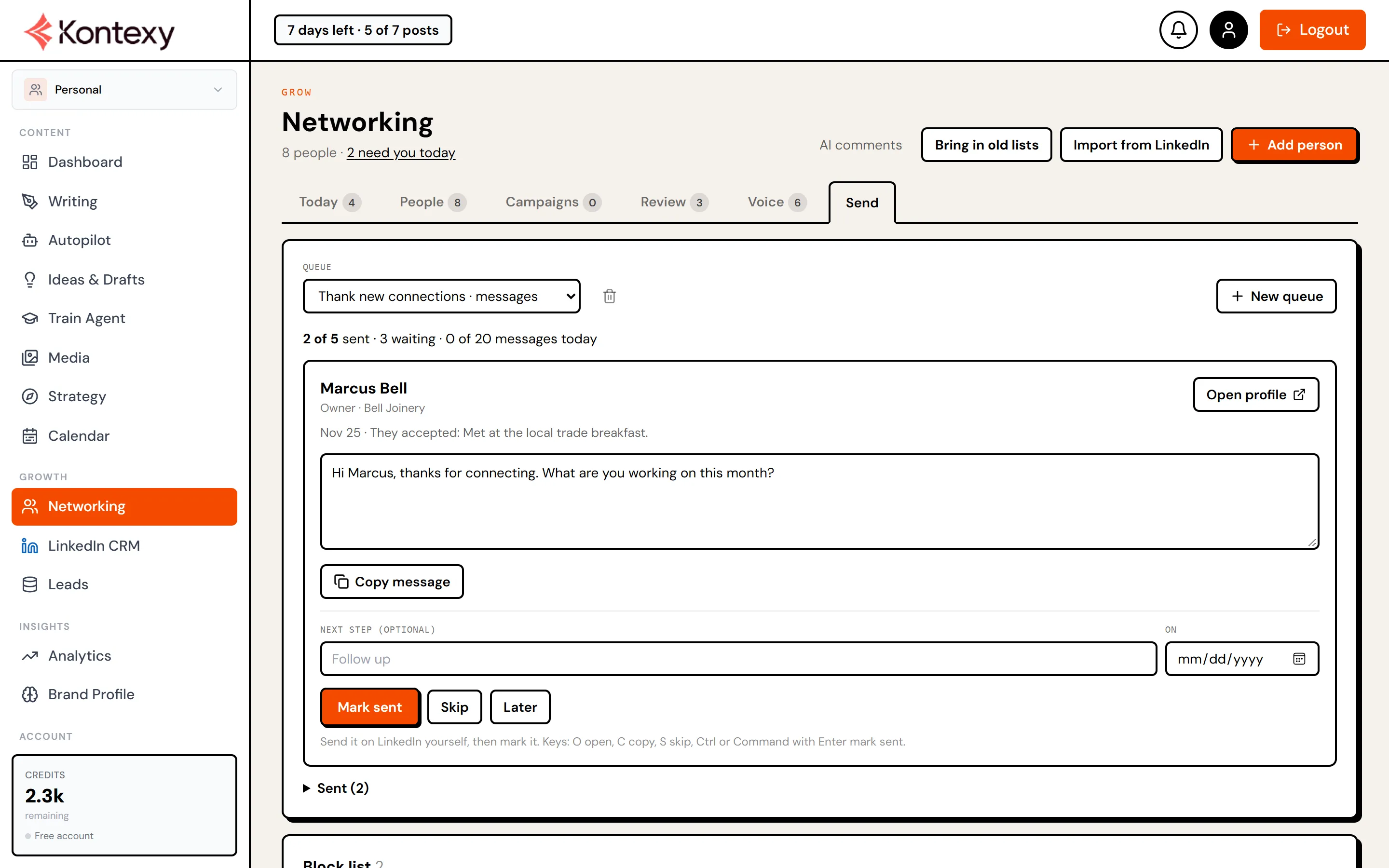
Send queue and block lists
How you do it.
-
Make a queue
Choose the people and the message.
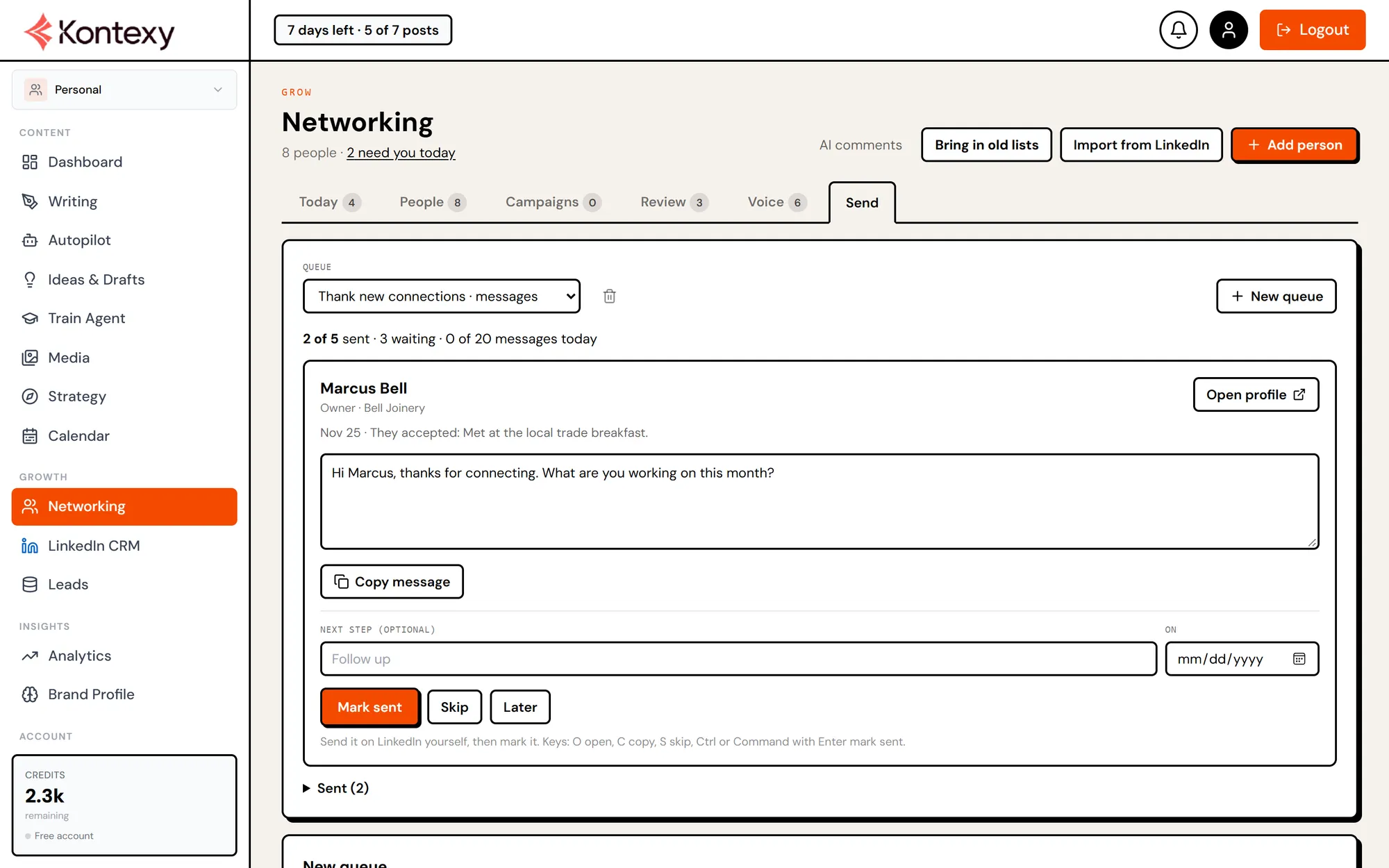
Sample data -
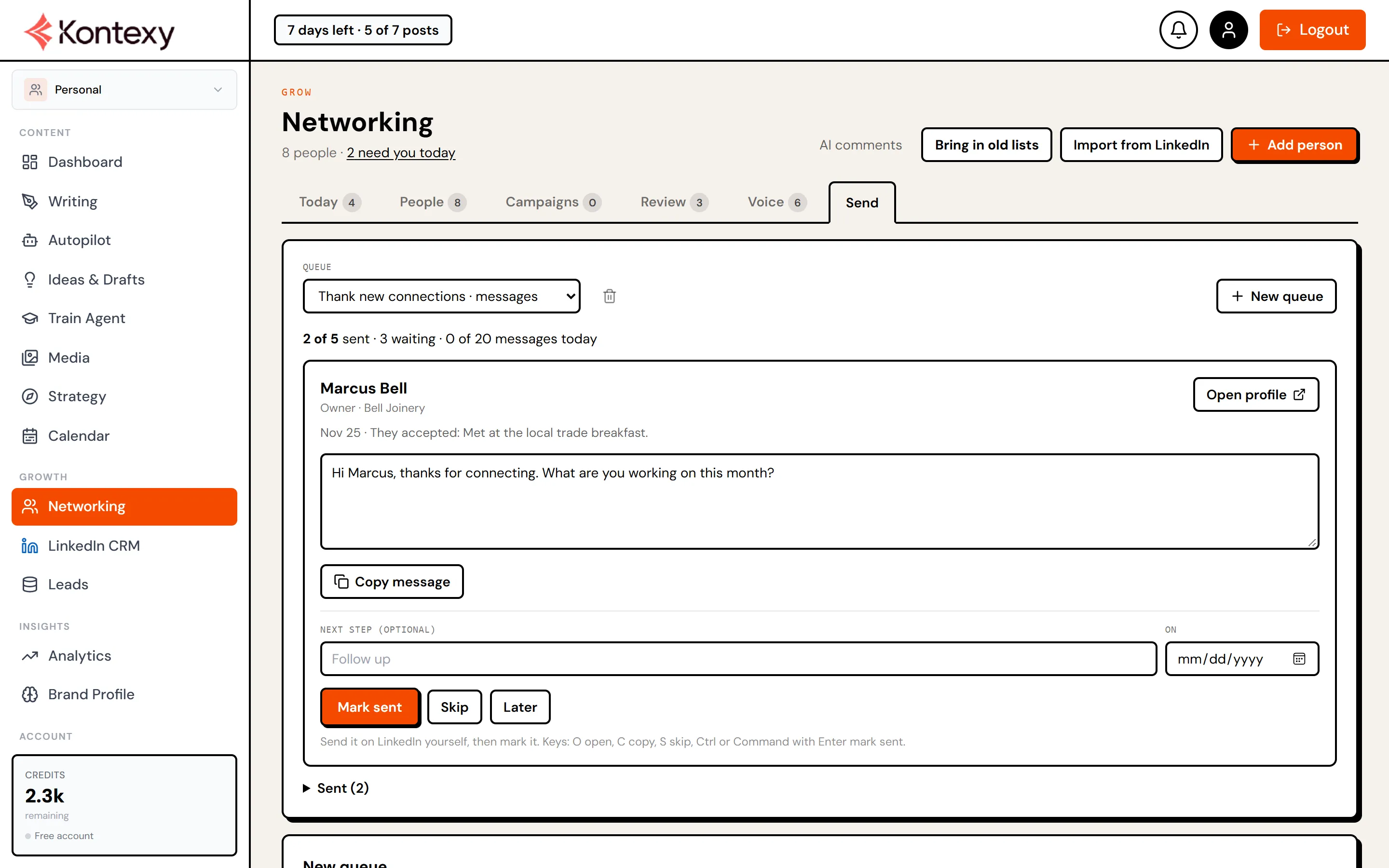
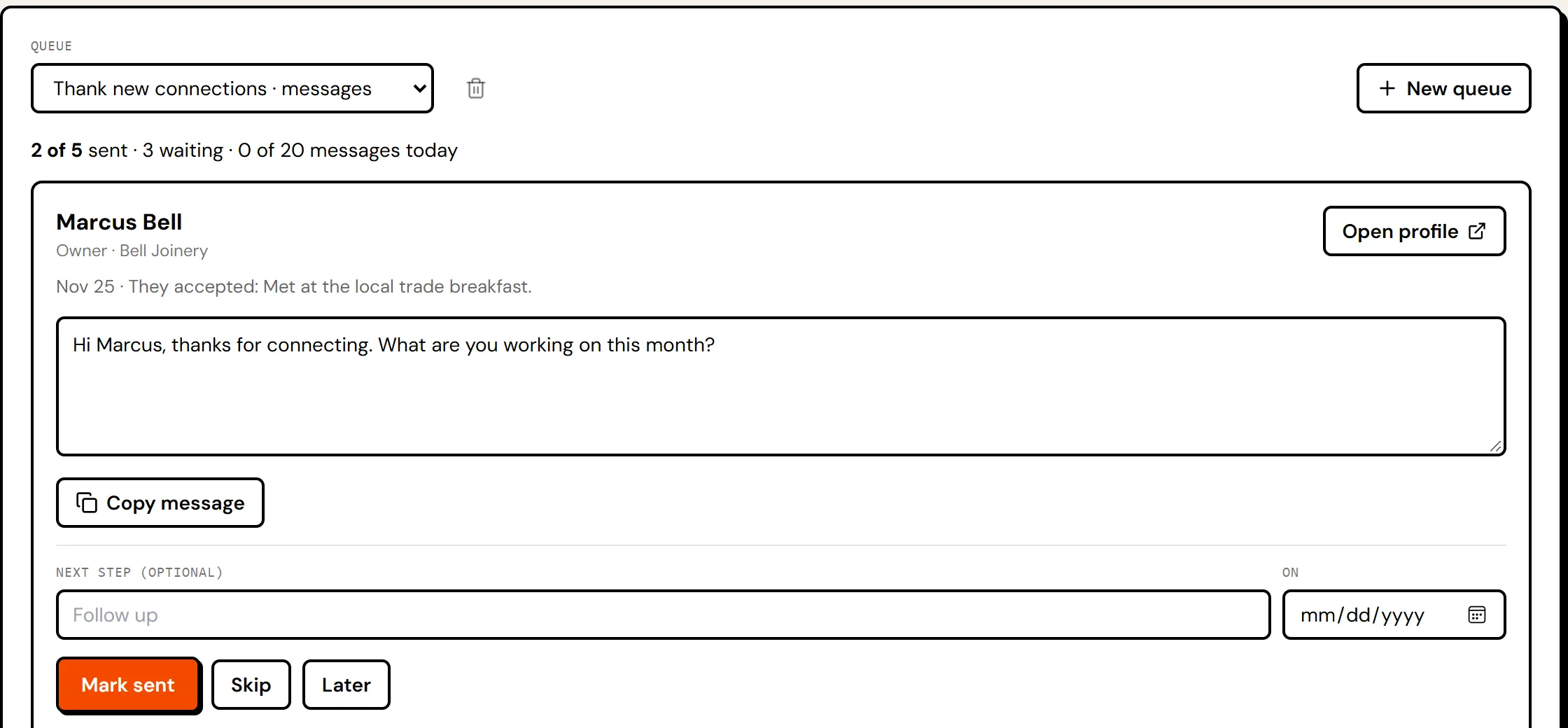
Send each one yourself
Open the profile, copy the message, send it on LinkedIn and mark it sent.
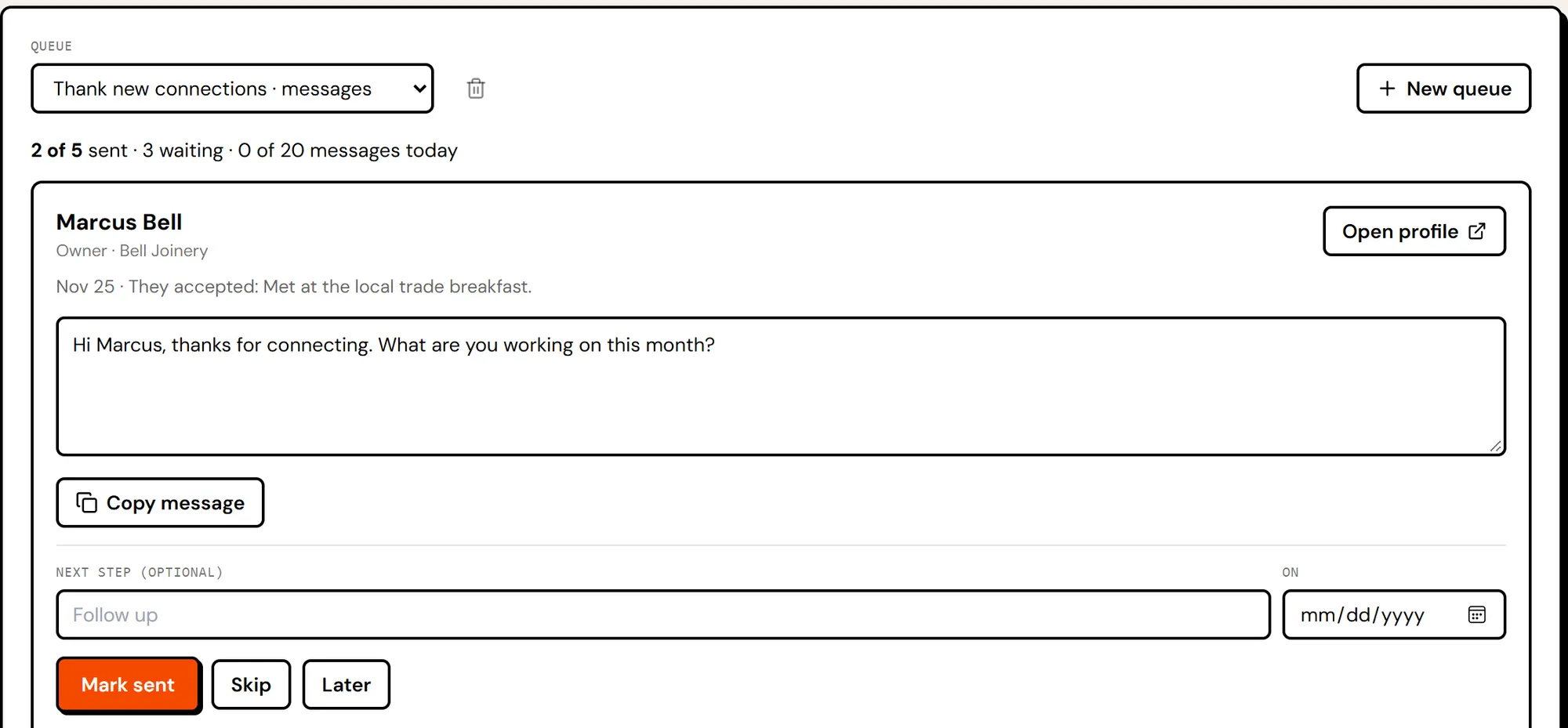
Sample data -
Keep people out
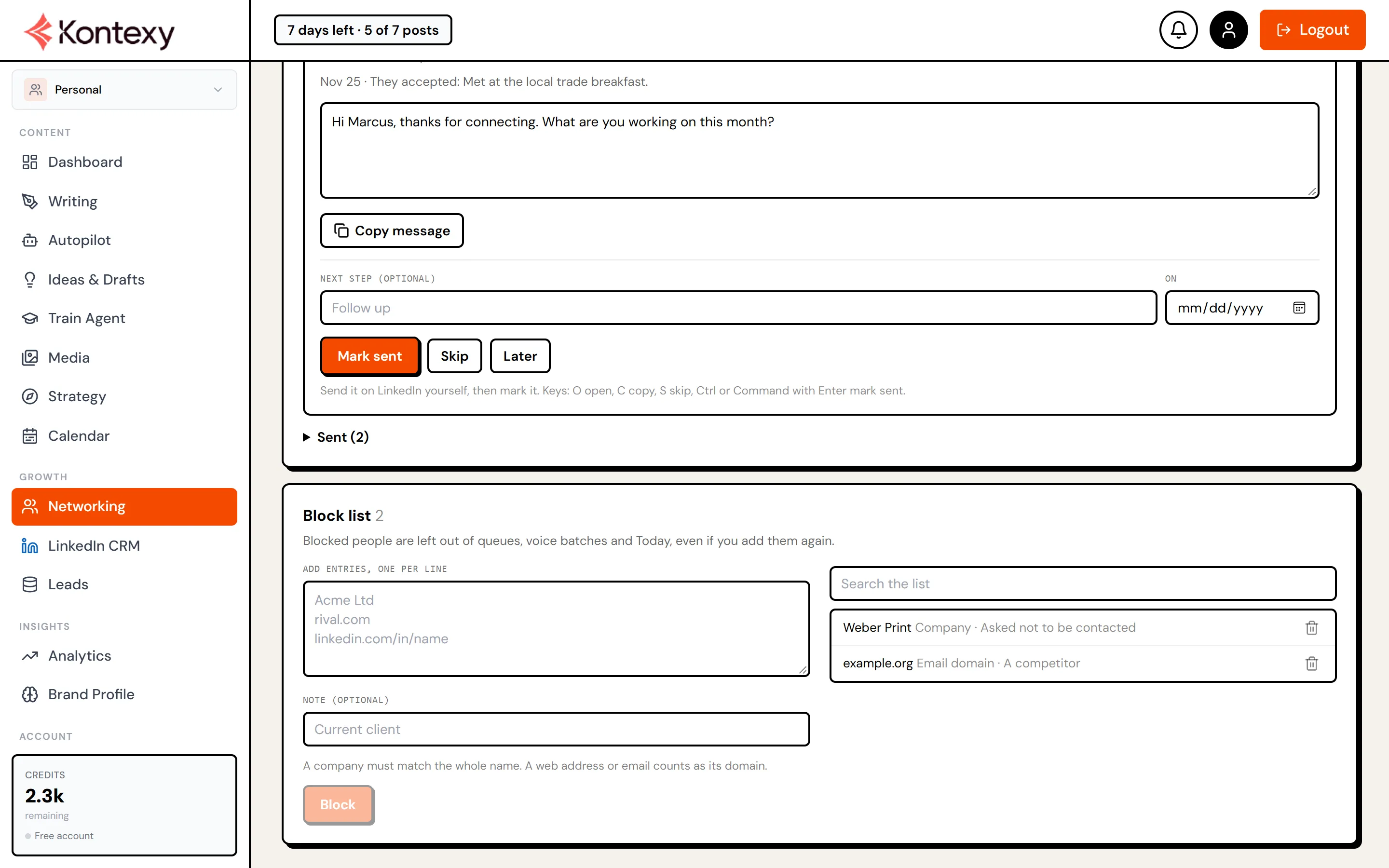
Add people, companies or domains to a block list, and they stay out of queues.
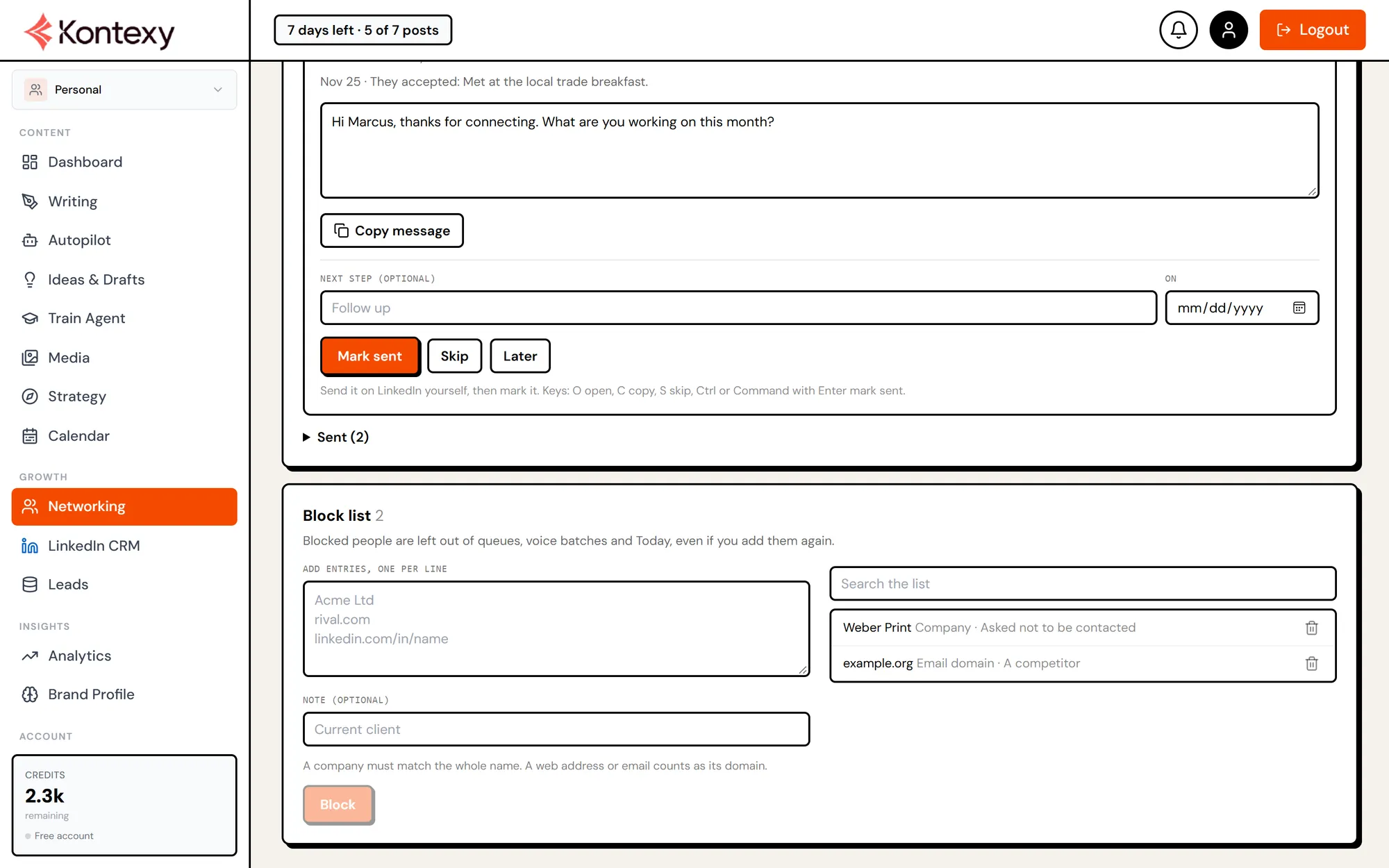
Sample data
For example
Say you are thanking twenty new connections. The queue shows one at a time, remembers who is done, and skips the company you blocked.
- A steady rhythm without losing your place.
- No accidental repeat messages.
- Blocked people stay out, even if added again.
In your free account
What the first 7 days include.
Included
- Queues and block lists, within your 100 contacts
Good to know
- Sending for you: every message is sent by you on LinkedIn
After 7 days, AI features pause. Your data stays.
Goes well with.
Your next post, your way.
Create a free account. No card. Your first 7 days include the writing, design and follow-up tools, within limits. After 7 days, AI features pause. Your data stays.